Keep favorite models close
Pin exact provider and model combinations, then return to them from the model picker. Set defaults for new chats without changing every existing session.
 Talavine
You brought a job. Your model brought excuses.
You're a responsible adult. You decide what to build. Talavine Code lets you route around a model's refusal and put another model on the job, including local models you run yourself.
Desktop and terminal. Your repositories. Your choice of supported models.
Read and edit files, run commands and tests, and work in your repositories. Bring Claude Code along. Then put the rest of this workspace to work:
Pick your tools. The screenshots below show where to put them to work.
Connect Ollama and choose installed, tool-capable local models for coding. Keep inference on your own hardware when you select an on-device model. Model size, speed, and capability depend on your machine; cloud models and connected tools can still send data off the device.
Bring your own API keys, or use supported installed and signed-in coding CLIs such as Claude Code and Codex. Keep the services you already use and add other providers when you need them. Subscriptions and API usage stay with those services.
Enable automatic model selection, give it a set of models, and describe when each fits. The selector chooses for the first prompt and can reconsider after a failure. Prefer to choose yourself? Pick a provider, model, and supported thinking level, or use /auto to request a fresh automatic choice.
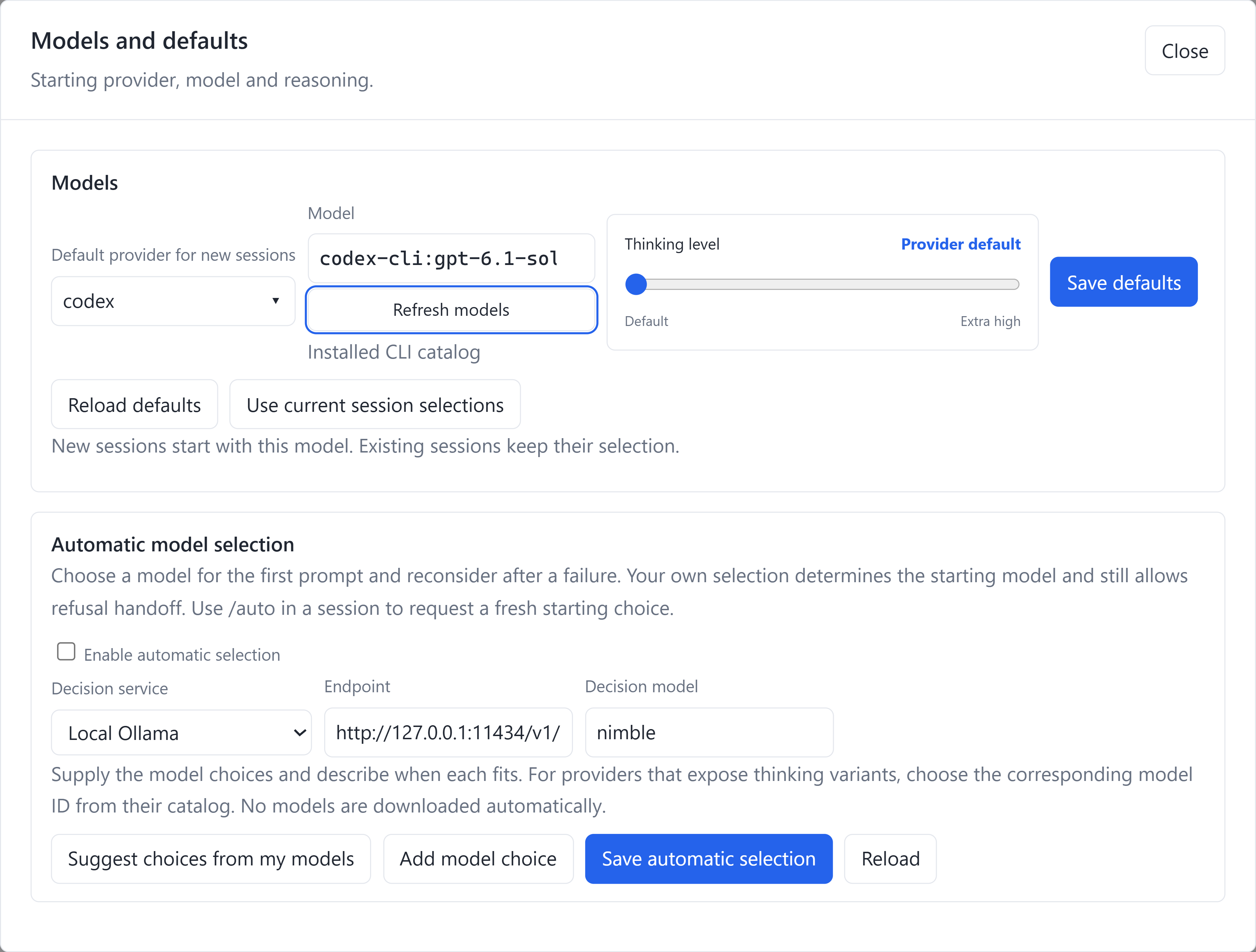
You own your decisions. A chatbot's refusal doesn't get to make them for you. Enable refusal handoff and give the remaining work to another configured model in the same conversation. Turn on local refusal fallback to prefer eligible installed abliterated or uncensored models: models modified or trained to refuse less often.
Choose your model roster and fallback preferences. Local fallback requires an installed, reachable, tool-capable model; cloud fallback uses your selected provider.
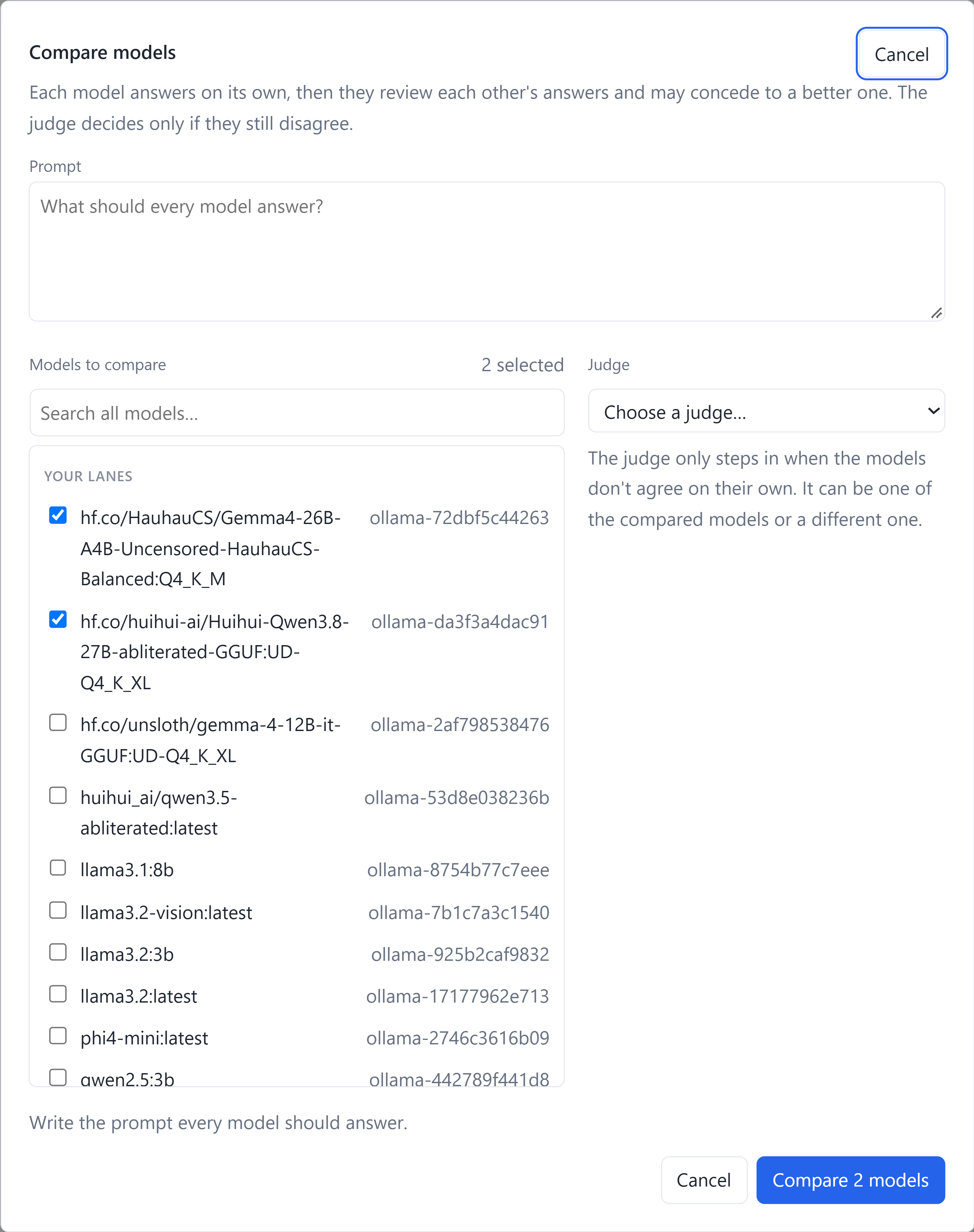
One confident answer is a lousy review process. Use /compare or its alias /review to ask multiple configured models the same question. Choose the contenders and a judge in the desktop dialog, including available local models.
Before a rewrite or an architecture decision, make the models challenge each other's assumptions. Inspect the proposals and review report, then run tests to check the approach you choose.
In the terminal, use --judge with /compare. There isn't a separate /judge command. Comparisons make multiple model calls; provider charges apply.
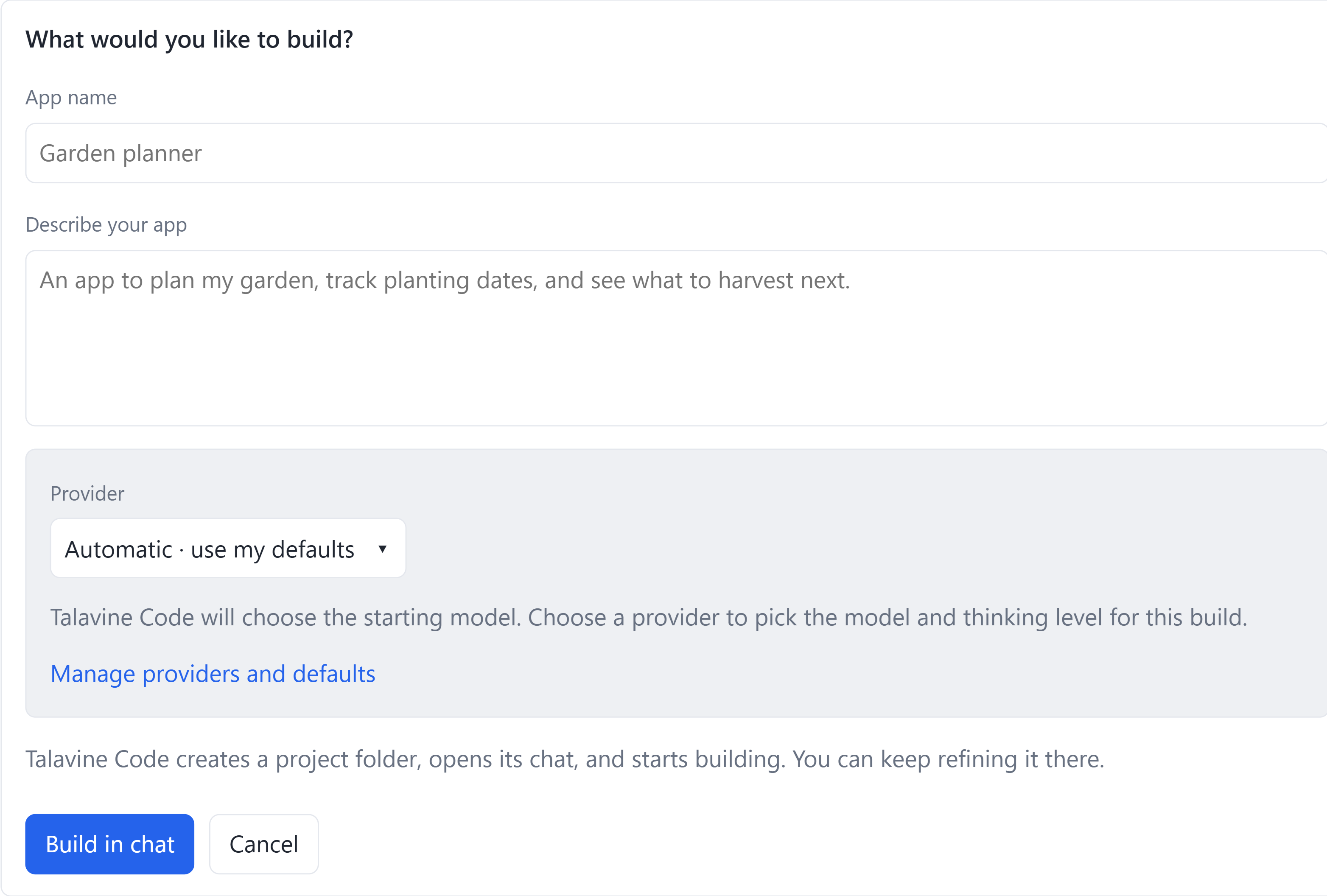
Open My Apps and Projects, choose Create an app, and describe what you need. Talavine Code creates a project folder, opens its coding chat, and starts the build.
Run or preview a supported app through its configured launch command, return to the build chat, and refine it as you use it. Keep a small tracker, dashboard, or everyday utility within reach instead of losing it in an old conversation.
The files stay in folders you choose. Existing repositories can join the library too. Install the build tools and dependencies your project needs, and configure its launch command.
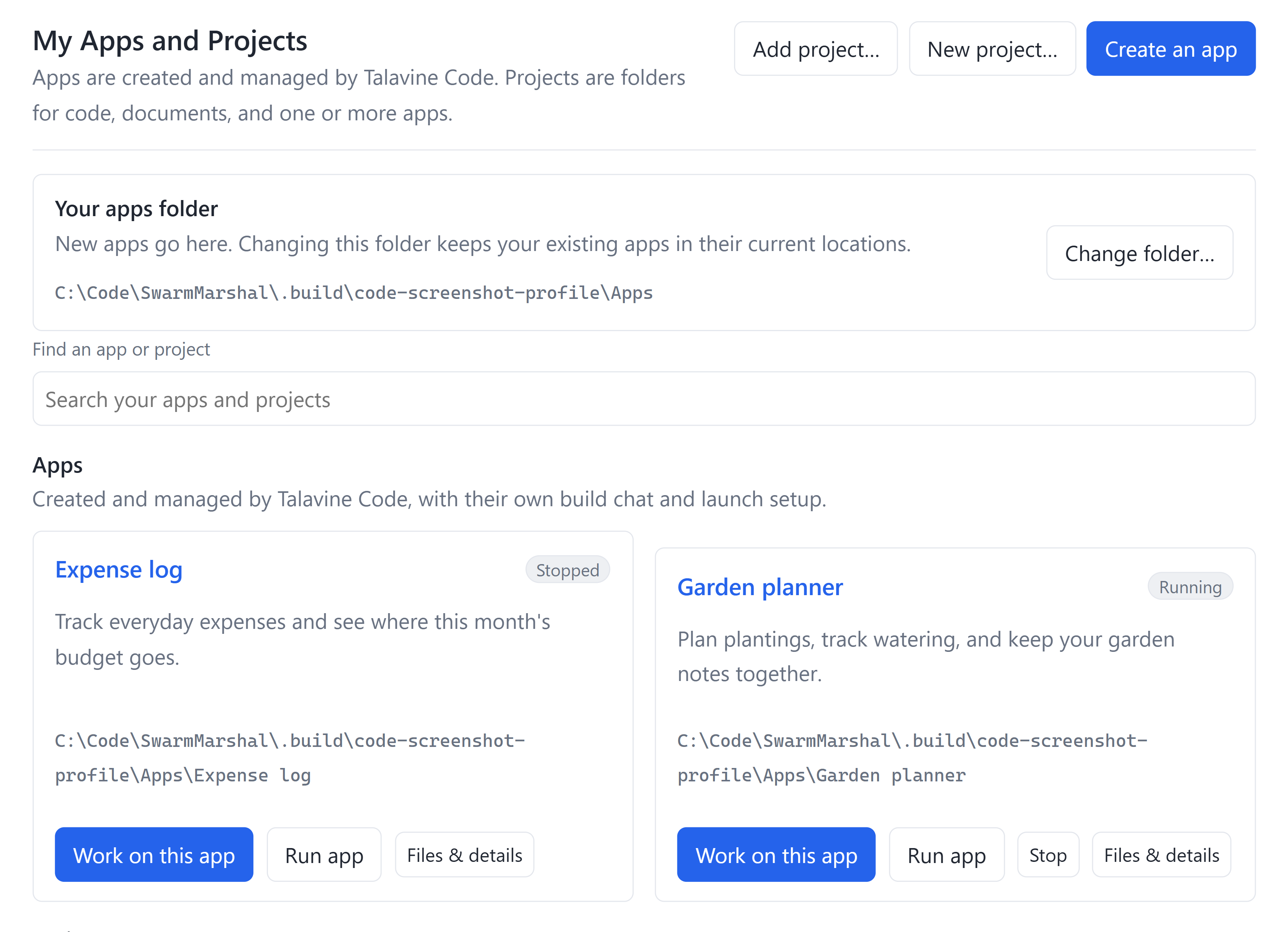
Find an app in My Apps and Projects, then choose Run app to use it or Work on this app to reopen its coding chat. Ask for the next change without hunting down a folder or remembering how to start it. Files & details keeps its source files and launch setup close by.
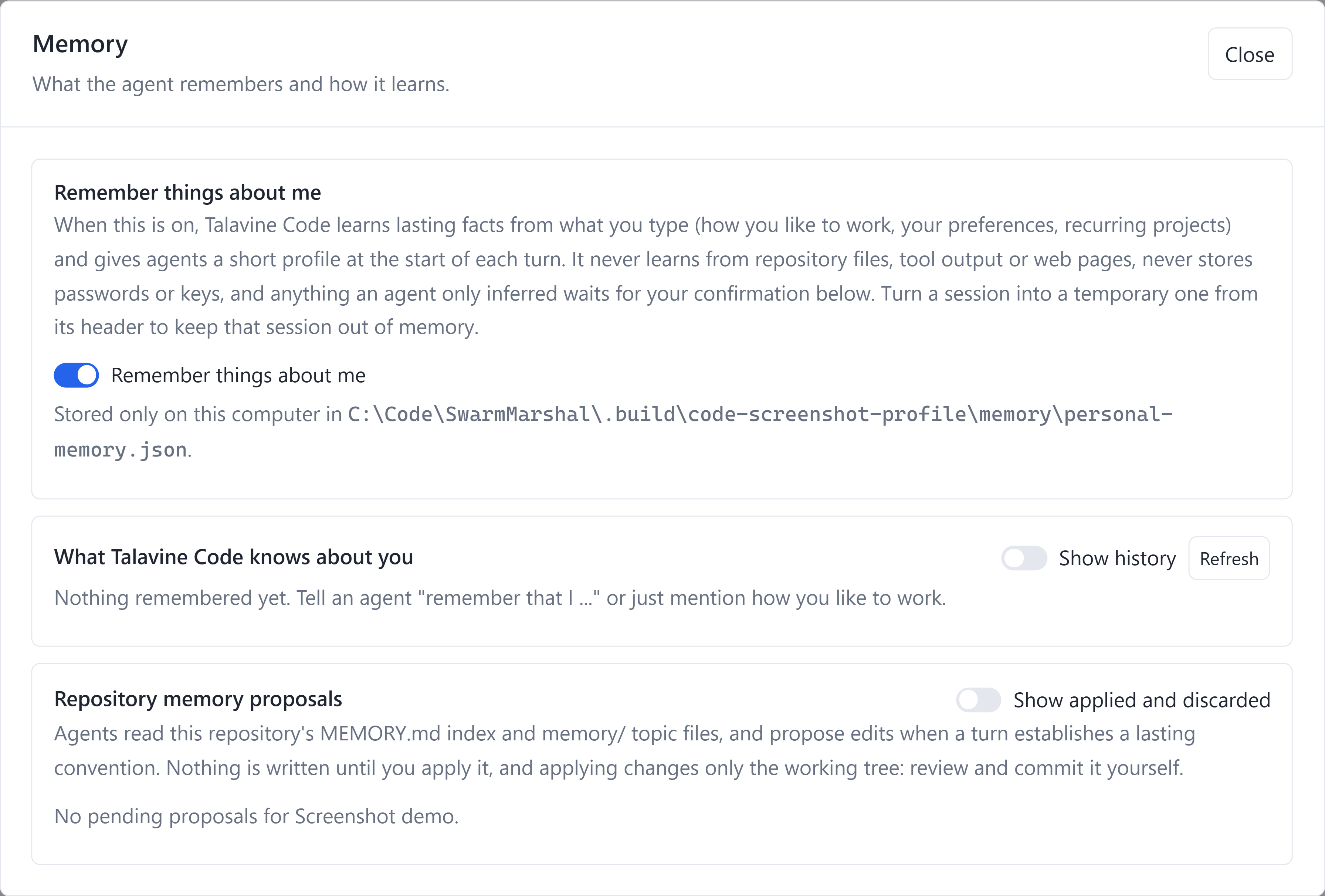
The daily reintroduction gets old. Tell Code how you like to work, your preferred tools, or a recurring project convention. Enable personal memory to carry lasting preferences into later sessions, including when you change supported models.
You can inspect and change what it remembers. Edit a memory, hide it from recall, review its history, or forget it. Inferred suggestions wait for your confirmation. Turn memory off for a chat with Temporary (memory off), or disable personal memory in Settings.
Repository memory is separate. Agents read your repository's MEMORY.md and topic files, then propose updates to lasting conventions. Review and apply a proposal before it changes the working tree; committing it is still your decision.
Code also keeps model-response outcome history to inform fallback choices. That history stores request fingerprints and outcomes rather than raw prompts, replies, or credentials.
Personal memory is stored locally. Relevant recalled information is supplied to your selected model, including a cloud provider when you use one. Memory is not the encrypted credential vault.
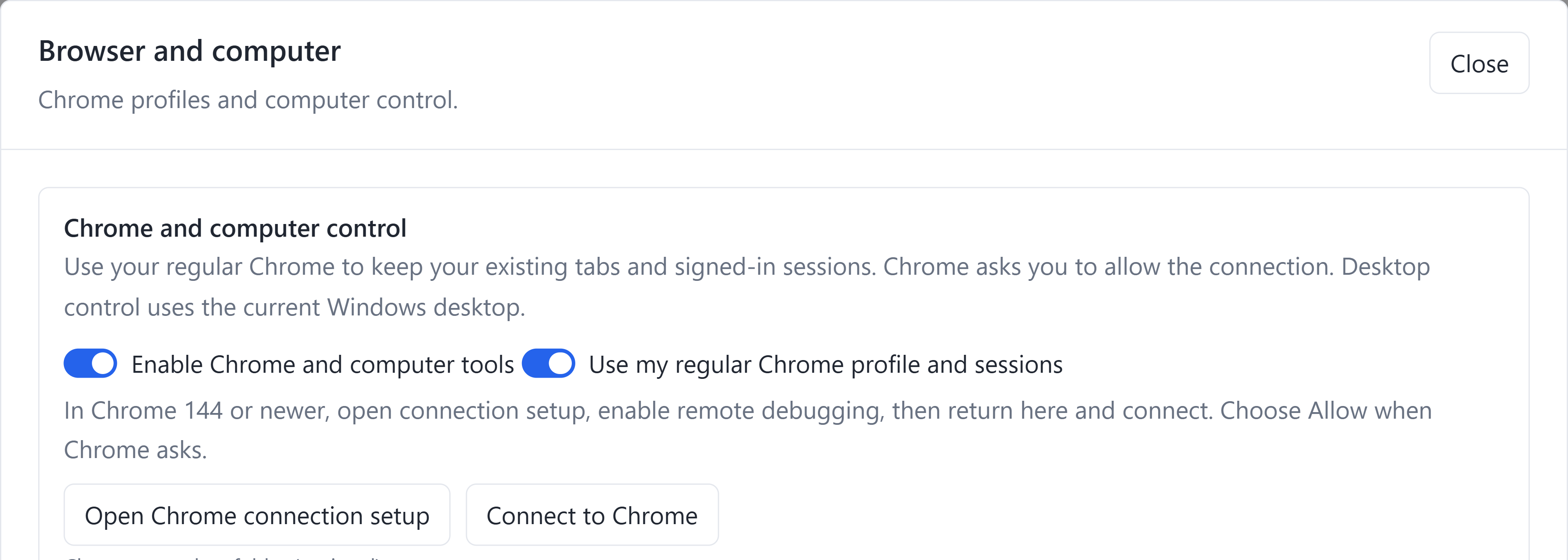
A coding job often ends in a browser: check the page you built, walk through a form, or inspect the result. Code's browser tools can observe pages, click, type, and navigate through a connected Chrome session.
Use your existing Chrome tabs and sign-ins. Enable Chrome's remote debugging connection and approve the connection in Chrome, or choose a separate persistent Code browser profile. You choose which setup to use.
Desktop control reaches native windows too. Code can observe and interact with supported desktop apps through its computer tools. Windows uses the current desktop; the native Mac host requires Screen Recording and Accessibility permissions.
Computer tools follow your permission mode and the operating system's access requirements.
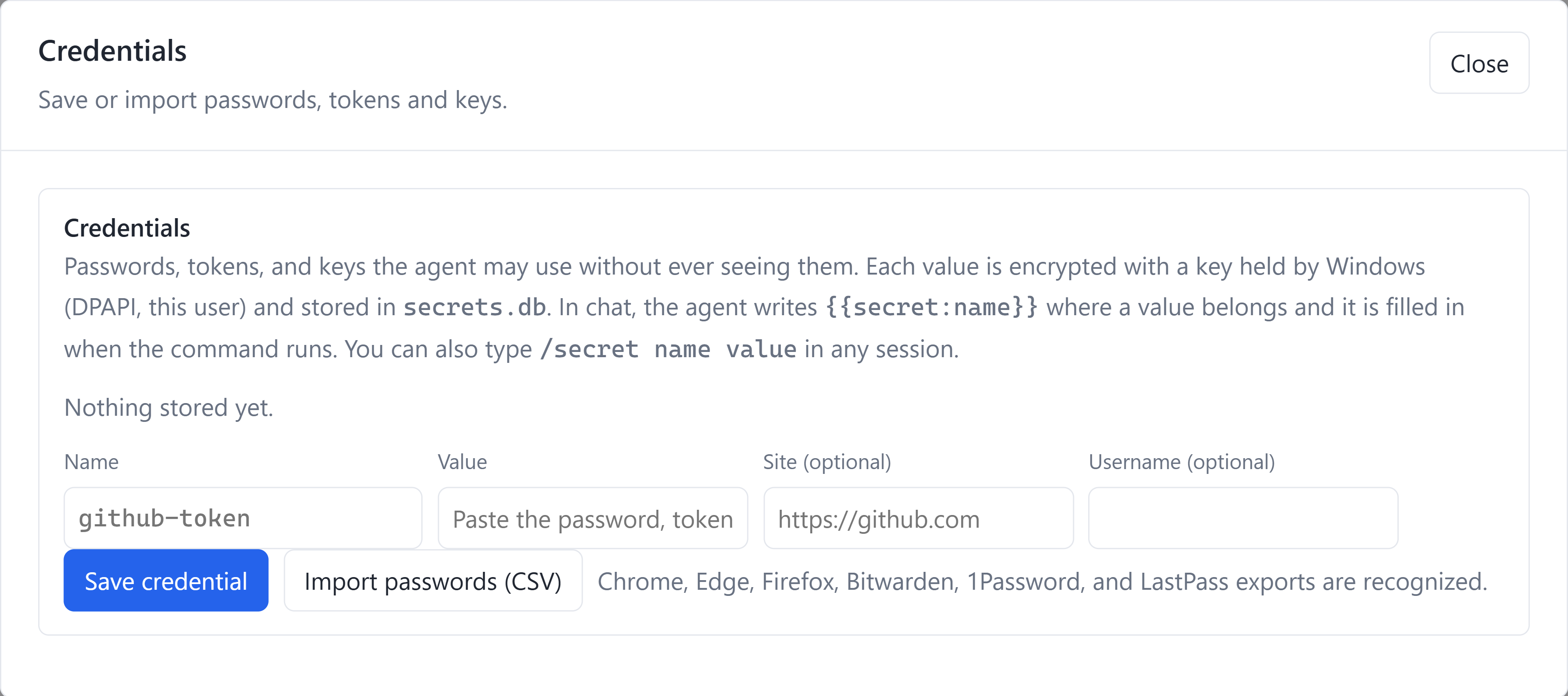
Add named credentials in Settings, or import a supported password-manager CSV export. On Windows, the vault encrypts values with a key protected by DPAPI for your Windows user. The native Mac app uses Keychain protection.
Supported tools can use a reference such as {{secret:my-service}}. The host resolves the value when it runs the operation, so you can instruct the agent using a name instead of copying the password into each prompt.
The host also handles the explicit /secret intake command locally, before sending a request to a model. Prefer the credential form for entering a value; you can inspect saved names and account hints without revealing passwords.
Use encrypted storage with a working OS keystore; check the app's storage status. This protects stored credentials and supported secret-reference workflows. It doesn't encrypt all project files, chat history, or personal memory. A password export itself contains sensitive data.
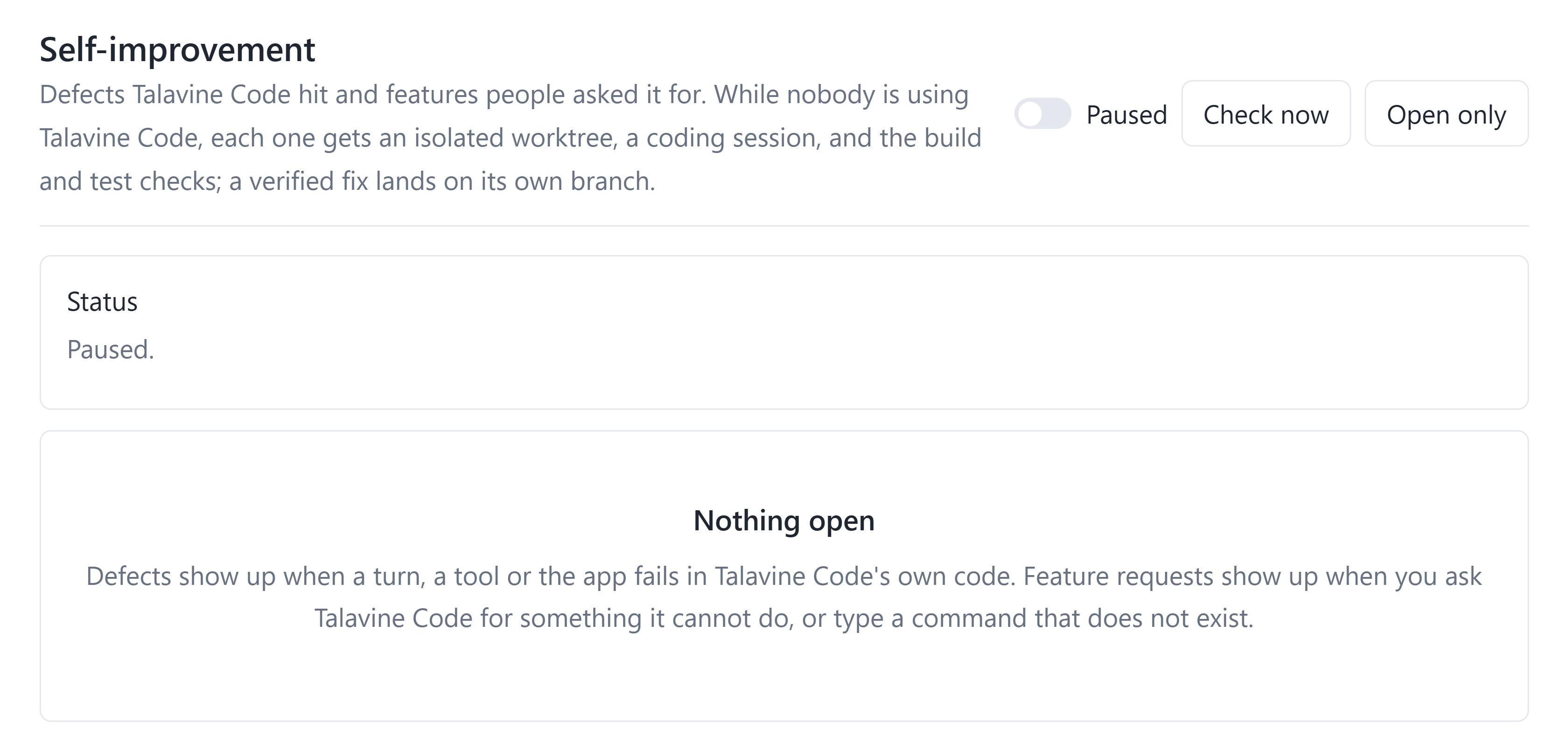
Code's developer self-improvement loop (RSI) records defects it encounters and capabilities people request. When enabled and the app is idle, it can take a queued item into an isolated Git worktree, start a repair session, and run configured build and test checks.
A fix earns verified status only after its acceptance checks pass. Follow the session and branch, inspect the evidence, pause the queue, or use the supported merge, rebuild, and relaunch workflow. Automatic merging is a separate configuration choice.
Available in Debug builds run from a source checkout. The public Release installer does not enable this repair loop.
There is also a separate harness-learning workflow in AI overview, with start/pause controls, measured progress, token usage, and rollback. It starts paused for new scopes; it is distinct from the developer repair queue.
Pin exact provider and model combinations, then return to them from the model picker. Set defaults for new chats without changing every existing session.
Fork a conversation with its saved history. Use plan mode to investigate before edits, inspect changes, and preview undoing the last turn's file changes.
Connect supported MCP tool servers and use repository instructions, reusable commands, and agent roles in your own projects.
The optional SwarmSpan bridge exposes paired peers, file transfers, and delegated work. Use a separately installed, paired host when a job belongs on another computer.
Give agents separate parts of a coding job and follow their sessions from the agents view. Configured roles can supply reusable instructions and model choices.
Set up coding jobs to run on a schedule and return to their saved sessions. Choose the work and permissions before leaving it unattended.
Search saved chats across projects, or request a work summary for a chosen period. Keep the repository and conversation attached to the work.
Inspect reported token usage and cost, set work limits, and run configured acceptance commands. Missing pricing stays separate from measured usage.
In the default auto permission mode, user-requested coding turns can edit files and run commands without repeated Allow clicks. Choose ask-risky or ask when you want approval steps. Explicit deny rules still apply; native coding CLIs have their own execution boundaries. If a model refuses your request, Talavine Code can route the remaining work to another configured model willing to take it on, including eligible abliterated or uncensored models.
After configuring these API lanes, give them the same design question. --judge names the model that settles a disagreement.
/compare --models openai,anthropic,gemini --judge openai
How should we add offline sync to this app?
Compare recovery from failed writes and implementation effort.
Enter the command and prompt on one line. This compares proposals; it doesn't apply competing implementations to your files. The desktop also has a model comparison picker.
The Windows x64 preview includes .NET and its own Microsoft WebView2 browser runtime. You don't need Visual Studio, the .NET SDK, or a separate browser-runtime installation just to open Talavine Code. The apps you build may need their own development tools.
Free MIT-licensed software. Model subscriptions and API usage are separate. This is an early desktop preview.
411 MB, including both runtimes. Signed by SwarmMarshal LLC. The download is hosted in our public GitHub releases.
Installation help →TalavineCode-Setup-x64-1.0.2.exe
SHA-256
12080ef6b821bb294146b53e3f7c487c90a46c447c017e2ae38691e3260adcb9Apple Silicon Mac source is available on GitHub. A Mac installer isn't available here yet.
Built by Scott Crossen and open under MIT. Talavine Code includes the SwarmCore libraries it needs. Clone it, change the harness, or use the shared code in your own tools. You don't need access to the private Talavine application.
I also build custom software, agent harnesses, and integrations. If this suggests something useful for your business, get in touch about development or consulting.
Each product has its own job. Use Talavine Code on its own, and add the others when they fit your work.
Connect trusted computers for device-to-device workflows. Pair a separate SwarmSpan host to use Code's optional peer bridge.
Your personal and business data hub. Bring chosen emails, documents, notes, and calendars together for your supported AI.
Manage customer relationships and business workflows in the separate CRM product. Its accounts, permissions, and data remain separate.