Pair to your desktop
Scan a QR code or enter a short code. The phone gets an encrypted connection to your data hub.
 Talavine
Reach your Talavine desktop from your paired phone to ask questions, review messages, and bring back useful information. Your desktop supplies the connected data and runs the supported work; availability depends on the desktop connection.
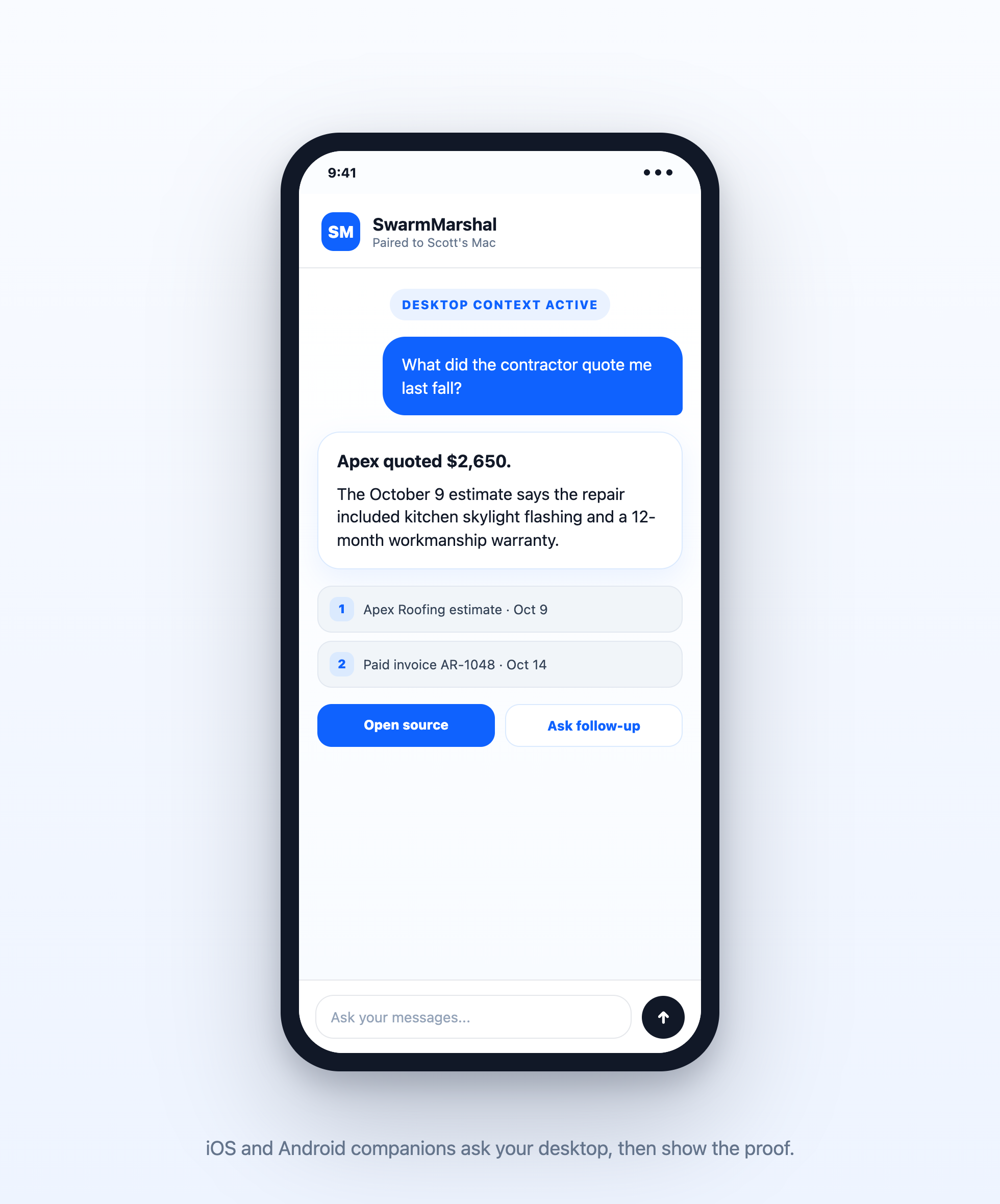
The mobile app is a companion, not a replacement. Your computer stays the source of truth for synced accounts, extracted knowledge, model routing, and source-cited answers.
Scan a QR code or enter a short code. The phone gets an encrypted connection to your data hub.
Ask what was agreed, promised, quoted, purchased, or scheduled. The desktop searches the local graph and returns the answer.
Answers include source links. Tap to inspect the proof without syncing your entire mailbox onto the phone.
Install Talavine on your computer, connect one account, and let it prepare your information for search and questions. Then pair your phone.