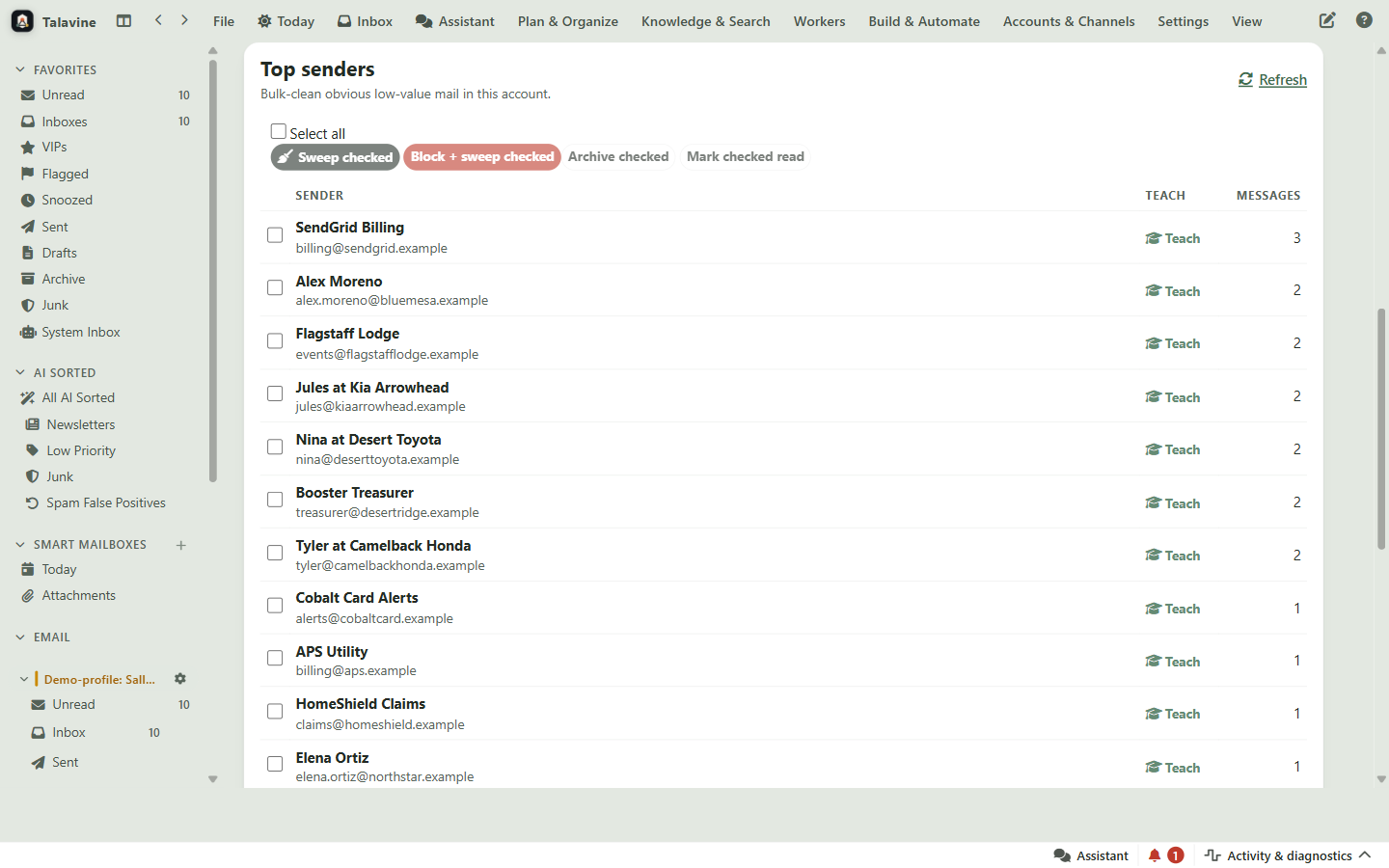
Talavine keeps your email, documents, notes, calendars, and meeting notes together on your computer. The AI you choose starts with the details, and you can open the records behind its answer.
Keep building your data hub. Change the AI you use with it.
Signed installers that update themselves. New releases most weeks. Read the build log →
Illustration. Connect the AI tools Talavine supports; online AI receives relevant information under your settings.
See the desktop app at work
See the story in scattered records.
A paid repair. A leak that returns. Two missed appointments. Move through a Matter's Story view to see how the situation unfolded, then open the original message behind the next step.
Recorded in the current development build with fictional demo data. Story view is being prepared for a future preview release.
Ask across your hub
Ask once. Get the whole story back.
A trip's receipts arrive in separate emails. Ask for an expense report and Talavine pulls them together, totals them, and shows which record each line came from. Then it does the same for a client decision and a family plan.
Recorded in an earlier desktop preview with fictional demo data. Answers are prepared for your review, so open the sources before relying on them.
A lasting home for your information
Your data stays yours. Your AI can change.
AI tools will keep changing. Your emails, documents, notes, and history should keep their value. Bring them together in Talavine, then use supported AI models to work with what you've saved. Switching models inside Talavine keeps your information in place.
SAVED IN YOUR TALAVINE HUB
Emails Documents Notes & calendars
Your information stays here.
Build on what you've already brought together.
↔
CHOOSE AN AI FOR THE JOB
AI for everyday work
Prepare a meeting brief or draft a reply using the information in your hub.
Illustration. Choose from supported, available AI models. Online AI can receive relevant information under your settings. Changing models keeps your saved information; it can change the answer.
The email you already use. Gmail, Outlook and Microsoft 365, or any IMAP mailbox, several at once.
Messages on a Mac. Your Apple Messages history, once you give permission.
Calendars, documents, and notes. The plans and files behind a deadline or a decision.
Meeting notes without a bot in the call. Press Record and Talavine transcribes your microphone and computer audio on your computer.
Past AI conversations. Import a ChatGPT data export and your earlier chats become searchable.
Get back
Answers you can check. Open the emails and files behind material answers.
Briefs, drafts, and follow-ups. Prepared from the records you choose, ready for your review.
The AI you already pay for. Sign in with a ChatGPT or Claude subscription, run a free local model, or add your own key.
Your hub in other AI tools. Connect Claude Desktop, Cursor, or Codex to your hub in one click.
A copy you can take anywhere. Export what Talavine knows as Markdown, or ask from Talavine for iPhone.
Outlook and Microsoft 365 connect with one Sign in with Microsoft. Gmail uses a guided one-time setup with your own Google app, so your sign-in stays between your computer and Google. Subscriptions and cloud AI follow each provider's terms and limits, and relevant information goes to the AI service you pick.
One customer renewal, several people. Select Elena to read the outstanding security questions. Select Priya to see the delivery plan. Their messages stay connected to the same Matter.
Talavine / People & connectionsExplore a customer renewal
0:00 / 0:25
Recorded from the real app. No email is sent in this example.
Fictional demo data recorded in the current development build, including the new Story view.
Try it with a familiar problem
One missing detail. A different next step.
The first record tells part of the story. Bring in the update and see what changes.
“Get me ready for tomorrow’s buyer meeting.”
01 / THE INFORMATION
Showing notesBudget: $650,000
Needs a home office. Ready to start looking.
Later emailIncluded
Let’s stay under $600,000.
Our plans have changed. We’d also like to move in September.
Wednesday · 4:18 pm
→
02 / THE NEXT STEP
Part of the pictureThe update is included
A brief built on an old budget.
A brief for the conversation you’re having now.
The notes say $650k. Without the later email, the revised budget and moving date are missing.
Use $600k as the updated maximum. Keep the home office requirement. Confirm September timing before planning the next showings.
$650k → $600k
Put it to workConfirm the new budget and moving date.
↖ Add the other record to see the difference.
See which records changed the answer
Showing notes + Later email. The later email changes the budget and adds September timing. The showing notes still supply the home office preference.
“Draft this customer’s renewal follow-up.”
01 / THE INFORMATION
Current contractAnnual renewal coming up
The contract has the terms and renewal date.
Support emailIncluded
We’re still waiting for a fix.
The reporting problem is open. Please resolve this before we renew.
Tuesday · 9:32 am
→
02 / THE NEXT STEP
Part of the pictureThe update is included
A renewal pitch that misses the problem.
A follow-up that starts with the customer.
The contract provides the terms. It doesn’t tell you that the customer is waiting for help.
Acknowledge the open reporting issue. Ask the support team for an update before pushing for renewal. Prepare the reply for review.
Renewal pitch → Resolve the issue
Put it to workCheck with support before asking for renewal.
↖ Add the other record to see the difference.
See which records changed the answer
Current contract + Support email. The support email says the issue is still open. The contract establishes the renewal, but does not resolve the complaint.
“Help me prepare the quote for this project.”
01 / THE INFORMATION
Original requestOne room to repaint
The document describes the original scope.
Follow-up emailIncluded
Can we include the hallway too?
Please price the hallway separately so we can decide.
Thursday · 11:06 am
→
02 / THE NEXT STEP
Part of the pictureThe update is included
A quote that stops at the first request.
A draft that accounts for the extra work.
The original document covers one room. The customer’s added request is in another thread.
Keep the original room in scope. Add a separate hallway line for pricing, and flag the amount to confirm before sending.
One room → Room + hallway option
Put it to workConfirm hallway pricing. Review the draft.
↖ Add the other record to see the difference.
See which records changed the answer
Original request + Follow-up email. The follow-up asks for a separate hallway price. No price is supplied in these records, so the draft needs that amount confirmed.
Interactive illustrations with fictional records, not live AI responses. Use the information you connect or add; check important details and review drafts. These examples do not imply a connection to property listings or transaction systems.
Your data
Where your stuff lives.
On your computer
Your Talavine profile and saved information live on your machine.
Cloud AI is optional
Cloud AI is optional. When enabled, relevant information may be sent to that AI service as Talavine organizes your information and helps with your work.
Take useful information with you
Keep your saved information when you change AI. You can also export selected information as text or move your Talavine workspace to another computer. See the available formats and steps in the privacy guide.
Talavine CRM is a separate product for customers, deals, support, and orders. Choose a work account to connect, then look up company records and make supported changes you request. The connection keeps your personal mail out of company records; it doesn't silently copy your profile into the CRM.
 Talavine