Bring in approved systems
Connect tools your work already depends on without giving agents unlimited freedom.
 Talavine
Connect supported tools so Talavine and its agents can find information in the systems you use. Reading a connected system and saving information to your hub are separate steps; the tools and permissions you choose determine what is available.
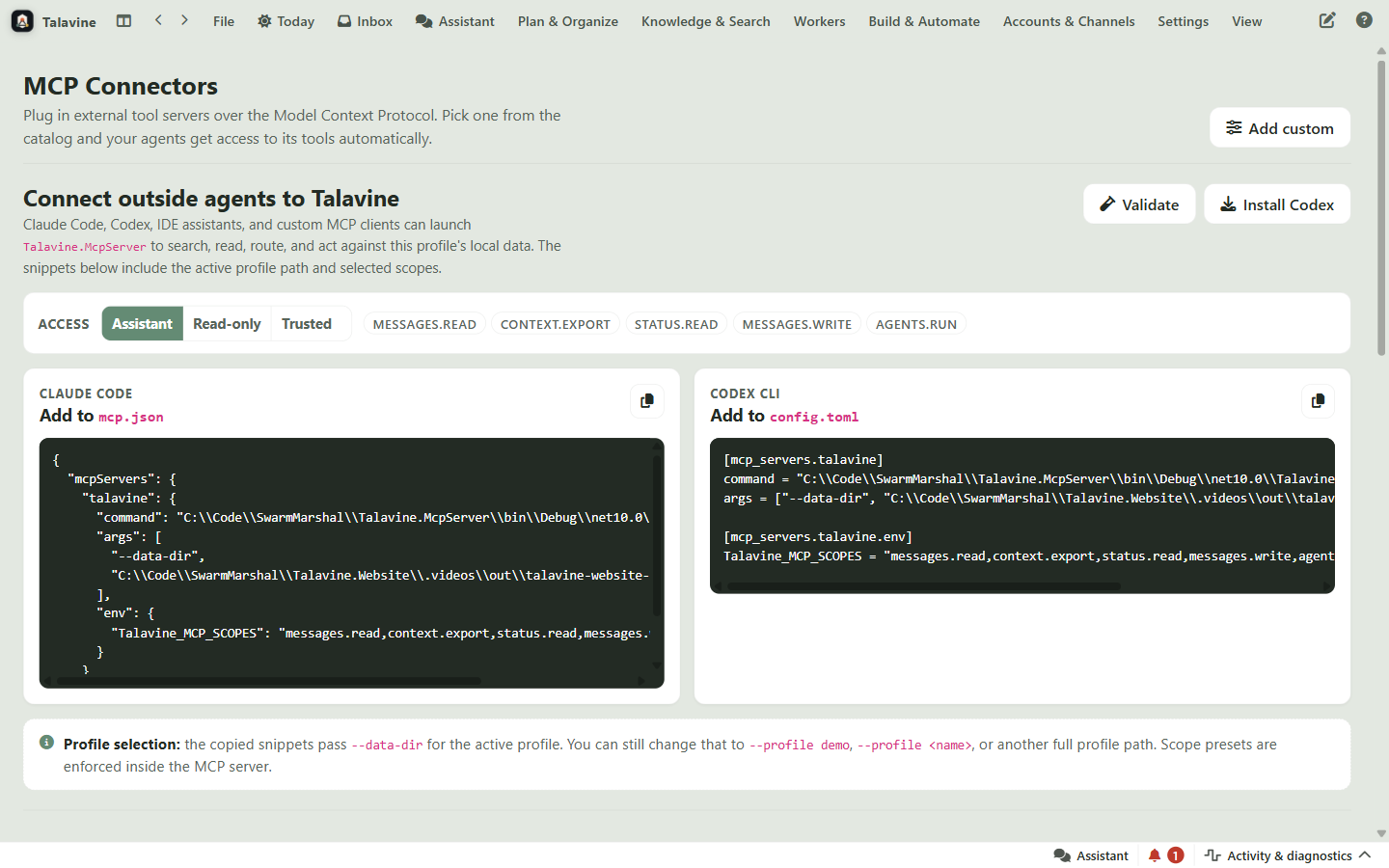
Connect tools your work already depends on without giving agents unlimited freedom.
Support answers can use a codebase, docs, or internal systems as the source of truth.
Tool use can stop for approval before sends, deletes, writes, or public commitments.
Each connector shows its tools and status so you know what agents can reach.
Model Context Protocol is a standard way for AI apps to see and use tools exposed by another system.
A connected tool can still require review before an agent does something consequential.
A visible list of what tools are available, what they do, and whether they're healthy.
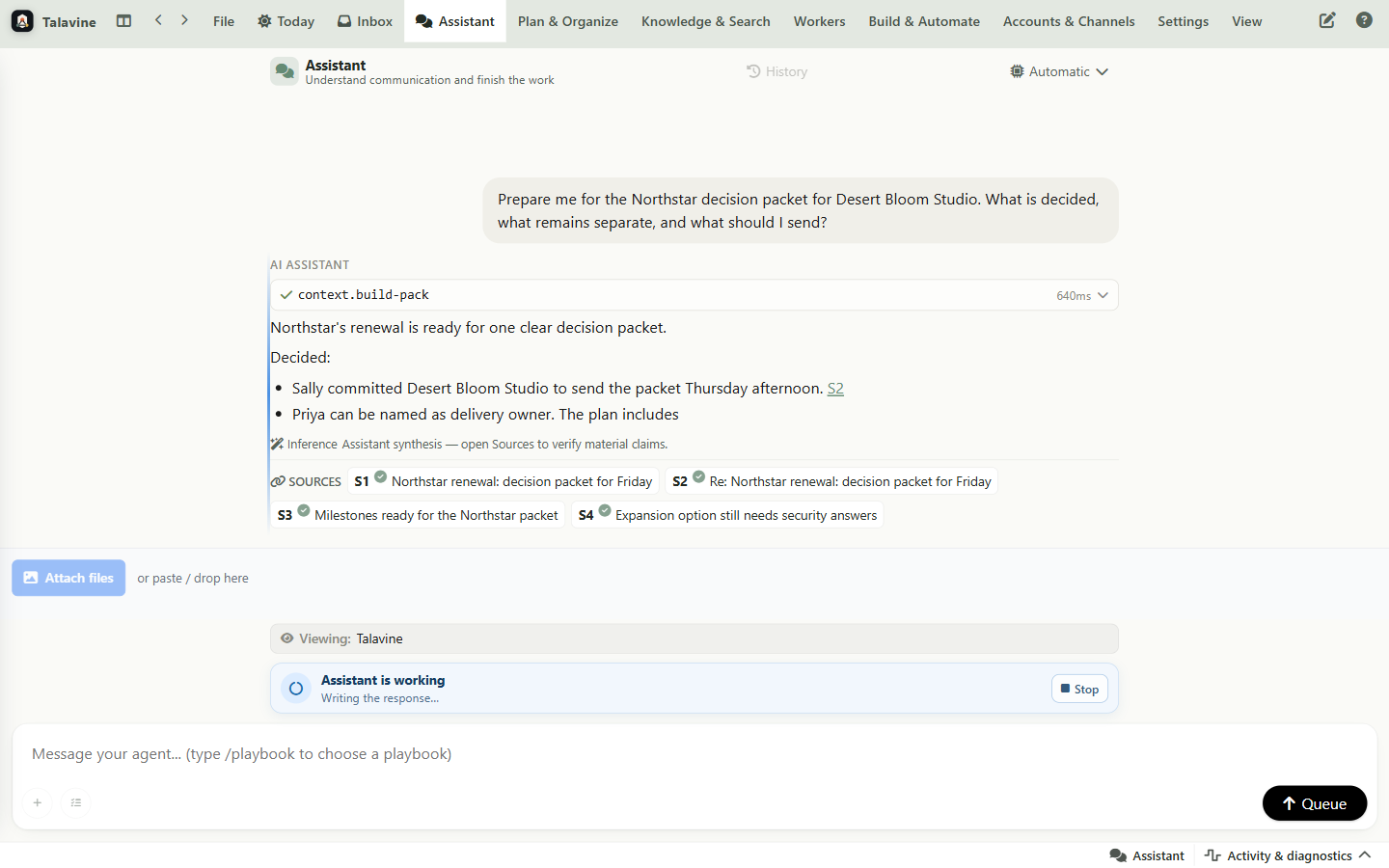
You can see when an assistant is preparing to use a tool or waiting for approval.
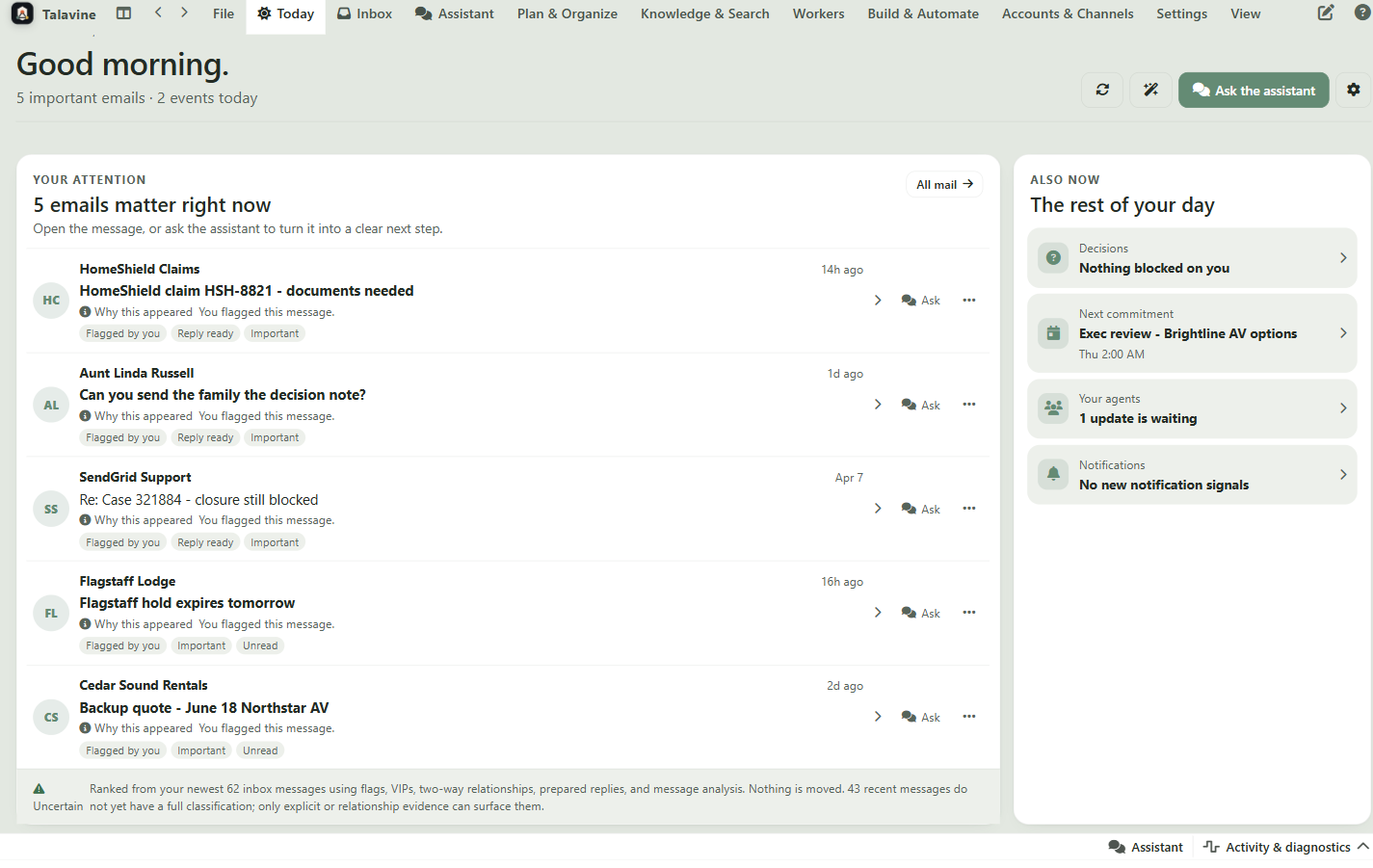
A support helper can read approved sources; a research helper can look up prospects; both stay bounded by what you allow.