 Talavine
Vibes · desktop app for Mac & PC
Describe a tool. Get a real app.
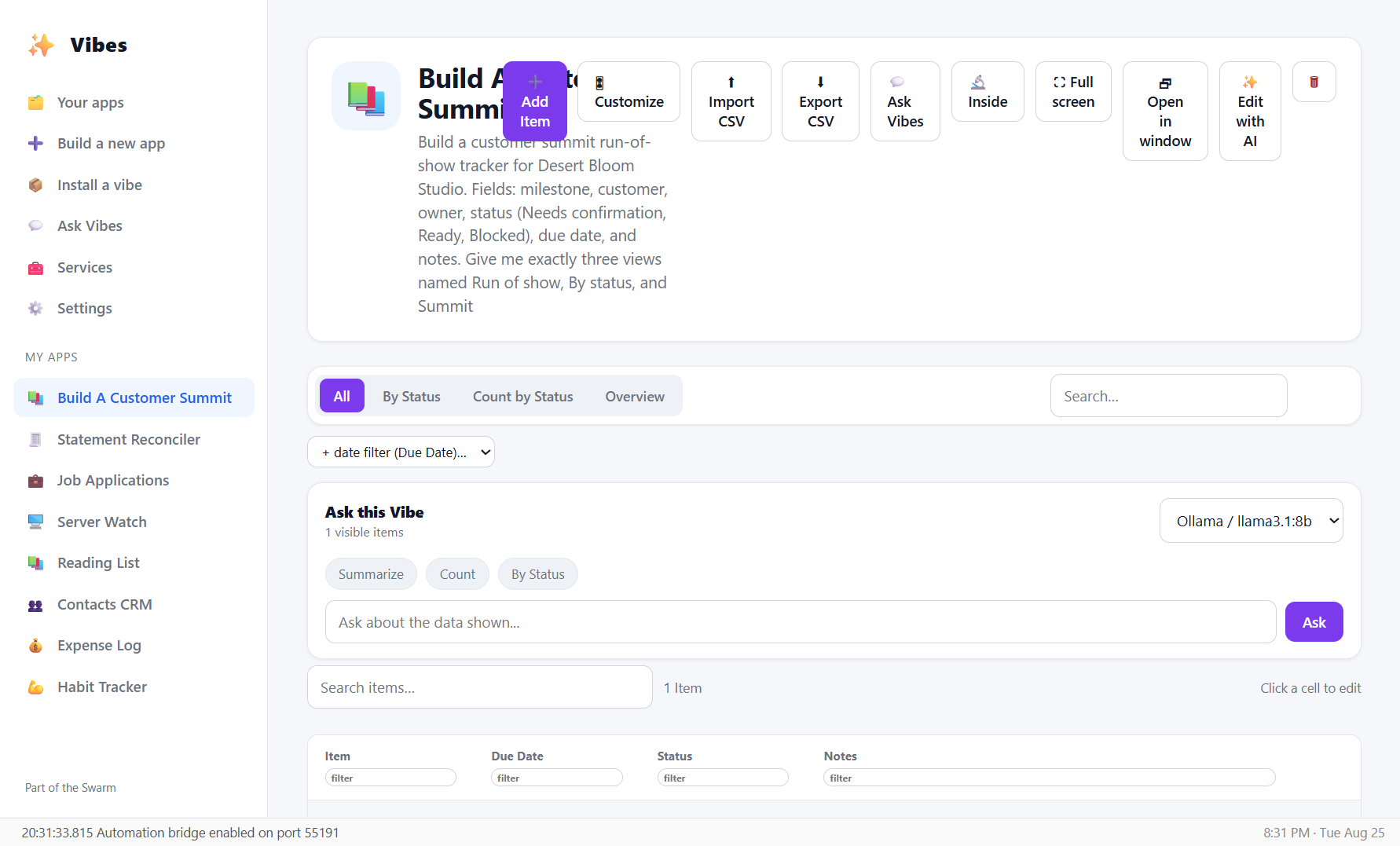
Sally types a customer-summit run-of-show for Desert Bloom Studio, and Vibes builds the working app: form, table, board, and dashboard. No spreadsheets, no code.
Sally's workday · One lightweight operating tool
A customer summit has too many moving pieces for a blank spreadsheet.
Sally needs a simple place for the Northstar rehearsal, owners, dates, and blockers—without turning it into a developer project.
- Say it in a sentence: "build a customer-summit run-of-show with owners, statuses, and due dates."
- Vibes builds the app: a form, a table, a board, and a dashboard.
- Change your mind later by saying so. No rebuilding.
Problem 2 · The status is invisible
See where the run-of-show needs Sally's attention.
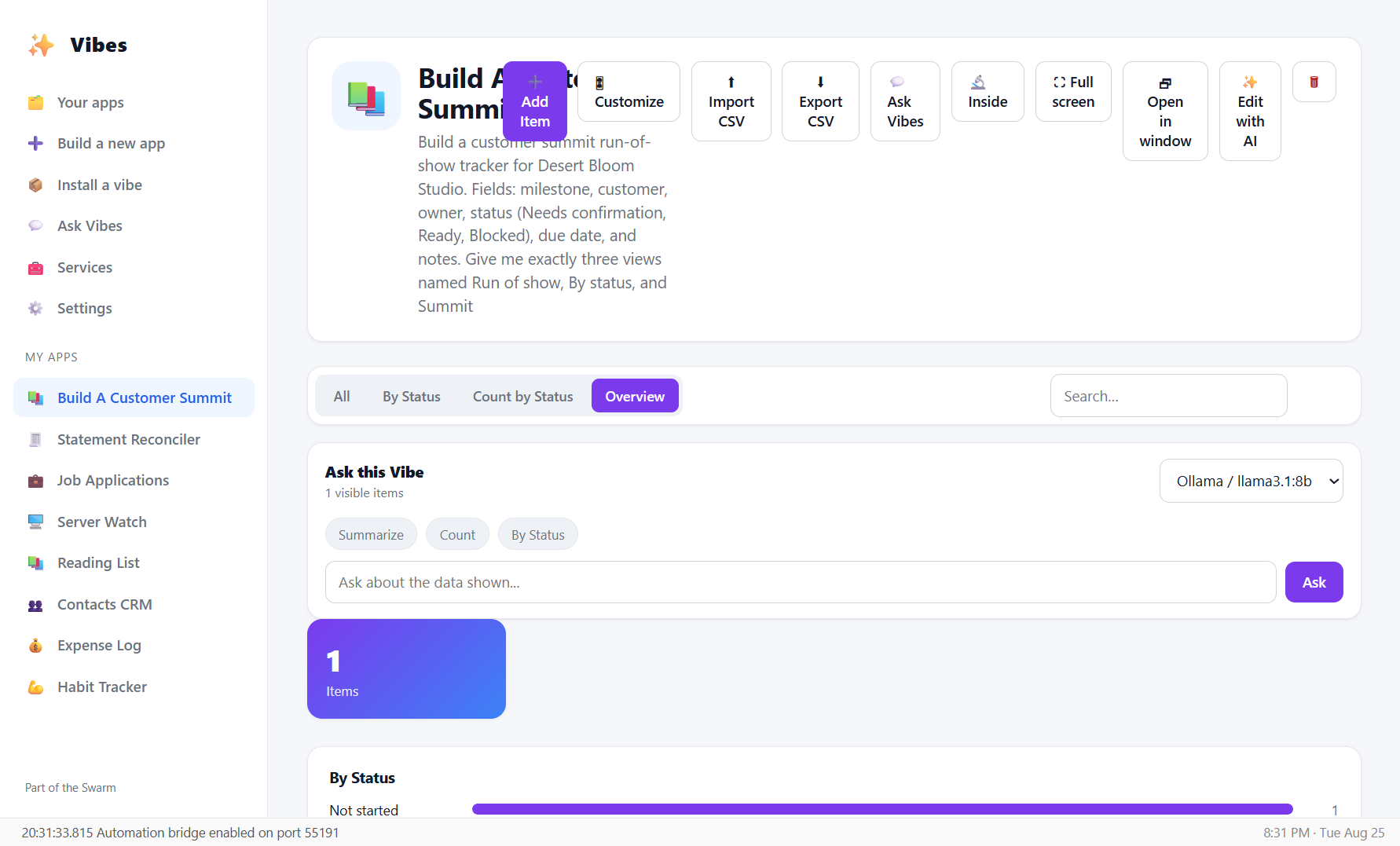
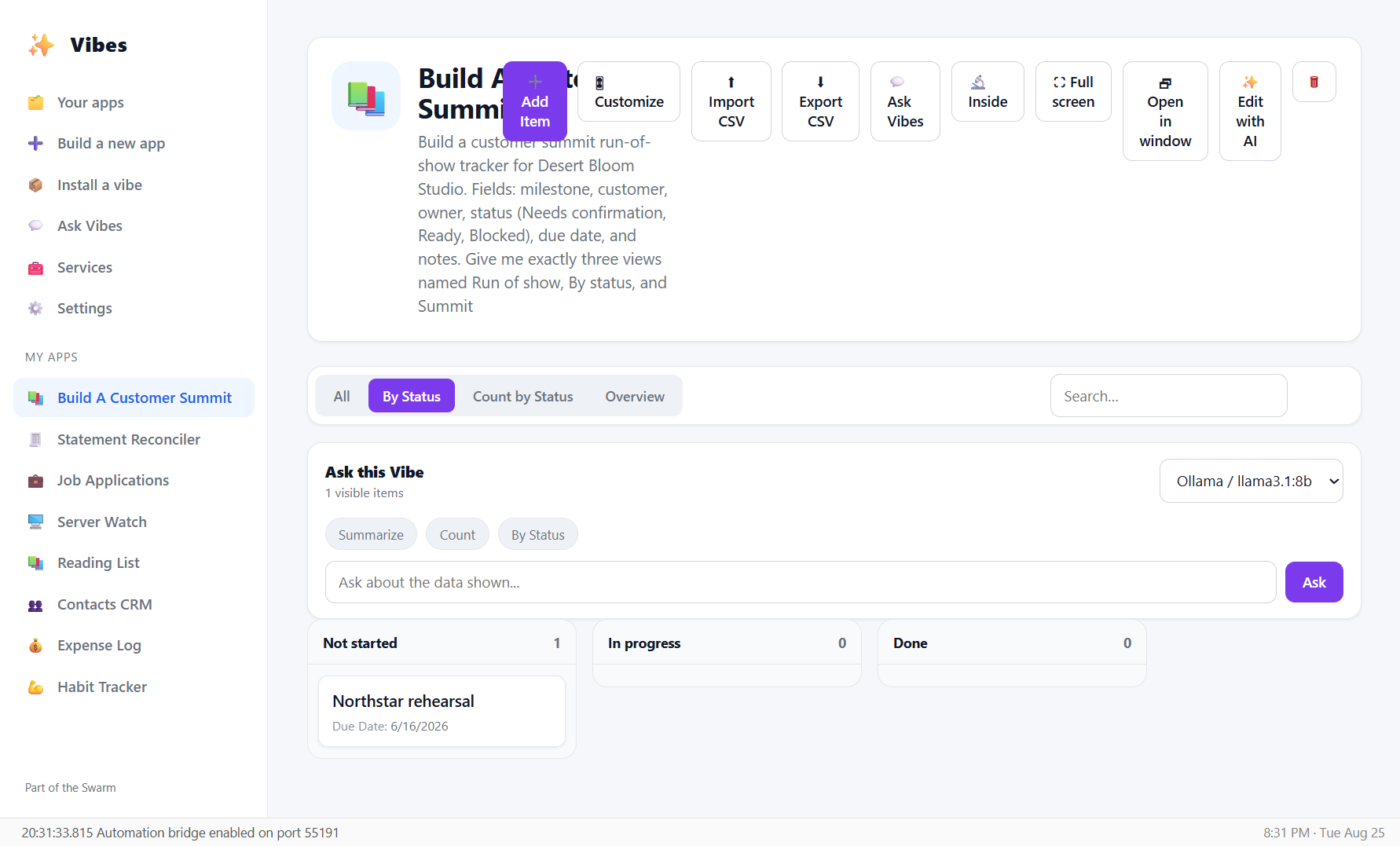
Switch from the table to a board or dashboard when the question changes from “what is the list?” to “what is blocked?”
- The same records can become a table, status board, or overview without rebuilding.
- Owners and due dates stay visible with the milestone they affect.
- Open the app's internals to see the fields and data model behind it.
Problem 3 · No-code means no control
Your data shouldn't live in someone else's cloud.
Most no-code tools hold your data hostage and hide how everything works. Vibes does the opposite.
- Your data is a real database file on your machine. Take it anywhere.
- Works offline with the built-in designer. Plug in your own AI if you want smarter builds.
- Every app opens up: the fields, the tools it wrote, the last run. Nothing hidden.
What people build
A few things people make in their first hour.
Expense logs & budgets
Amounts, categories, dates, and a running total, with no spreadsheet in sight.
A little CRM
Contacts, companies, pipeline stages, and your next follow-up.
Reading & watch lists
Status, ratings, and the date you finished — your collection, your way.
Habit & routine trackers
What to do, how often, and a streak that keeps you honest.
System & server inventories
Hosts, environments, health, and a link to the dashboard.
Anything you can describe
Job hunts, home projects, plant care, packing lists. If you can say it, you can build it.
Part of the Swarm
Better with the rest of the Swarm.
Talavine →
The same engine is available inside Talavine for building small apps in the communication workspace. The two hosts keep their own data and permissions.
Talavine CRM →
Vibe apps can read live CRM data: describe a dashboard, it fills from the team's real pipeline, and you can publish it to the CRM's gallery.
The Swarm →
Shared foundations, independent products, and explicit opt-in connections.
Free to try
Describe your first app and watch it appear.
No fields to configure, no schema to design. Just say what you want to track.