Pick a role
Start from a blueprint like Technical Support or Marketing Outreach.
 Talavine
Set up an agent to collect information, research a subject, or prepare a customer follow-up. Your data hub supplies the relevant records; you choose the sources, tools, schedule, and permissions for the work.
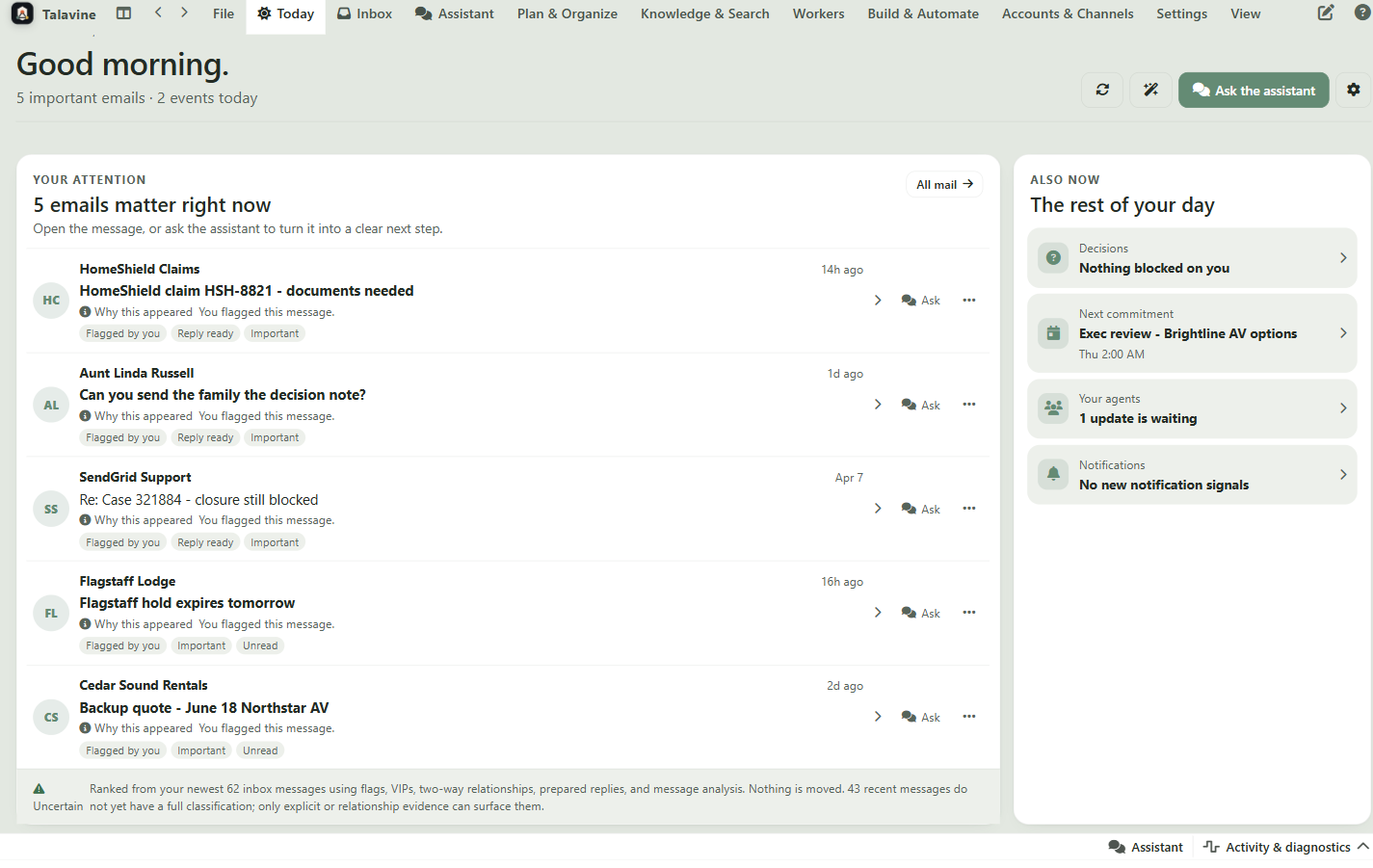
Start from a blueprint like Technical Support or Marketing Outreach.
Describe the result you want, the information to use, and when the helper should ask you for help.
Setup can prepare the mailbox and connected services described in the job. You supply the required accounts and access.
Choose drafts for your review, or allow direct replies for specific kinds of work.
Roles carry the job brief, the information sources, the setup instructions, and the boundaries. These examples are the ones we're using to make the system practical.
Works the inbox on a schedule so urgent things surface, follow-ups get drafted, and nothing slips while you're in meetings.
Triage a mailbox on its schedule: separate the urgent items, pending replies, and calendar changes from the noise.
Draft internal replies and follow-ups for threads that have gone quiet, ready for your review.
Spot meeting conflicts and prepare alternate-time options instead of letting them collide.
Send you a concise report each cycle that separates facts, proposed actions, and blockers.
Answers software questions by checking how the product actually works, then replying from the support inbox when policy allows.
Watch a support mailbox such as support@example.com.
Read the customer's question and identify the real job they are trying to do.
Use a local repo, GitHub MCP, docs, and app screenshots as source-of-truth context.
Run or inspect the app when it needs to prove the answer instead of guessing.
Send the answer from the support mailbox when the answer is grounded, safe, and inside the role policy.
Finds podcasters, YouTubers, and writers who already care about agentic AI, then works the conversation until a real booking needs you.
Research public episodes, channels, posts, and contact pages for people already discussing agentic AI systems.
Build a source-backed outreach list with why each person is a fit.
Draft specific outreach that references the person's actual work instead of a generic pitch.
Manage replies until there is a date, recording notes, follow-ups, and handoff points for the boss.
That's the important difference. The employee has a role, allowed tools, information sources, repair instructions, and reporting rules. It can work in the background, but boss policy still controls public commitments, deleting, spending, and broad policy changes.
The job description: what this employee is for and what it should ignore.
The approved systems it may use, such as mail, search, calendar, or GitHub MCP.
Model and spend limits so a background job can't quietly run up cost.
The line between 'prepare it' and 'go do it.'
Progress notes and proposals that show up for the boss to review.
If credentials, tools, or network access break, the employee explains the fix.
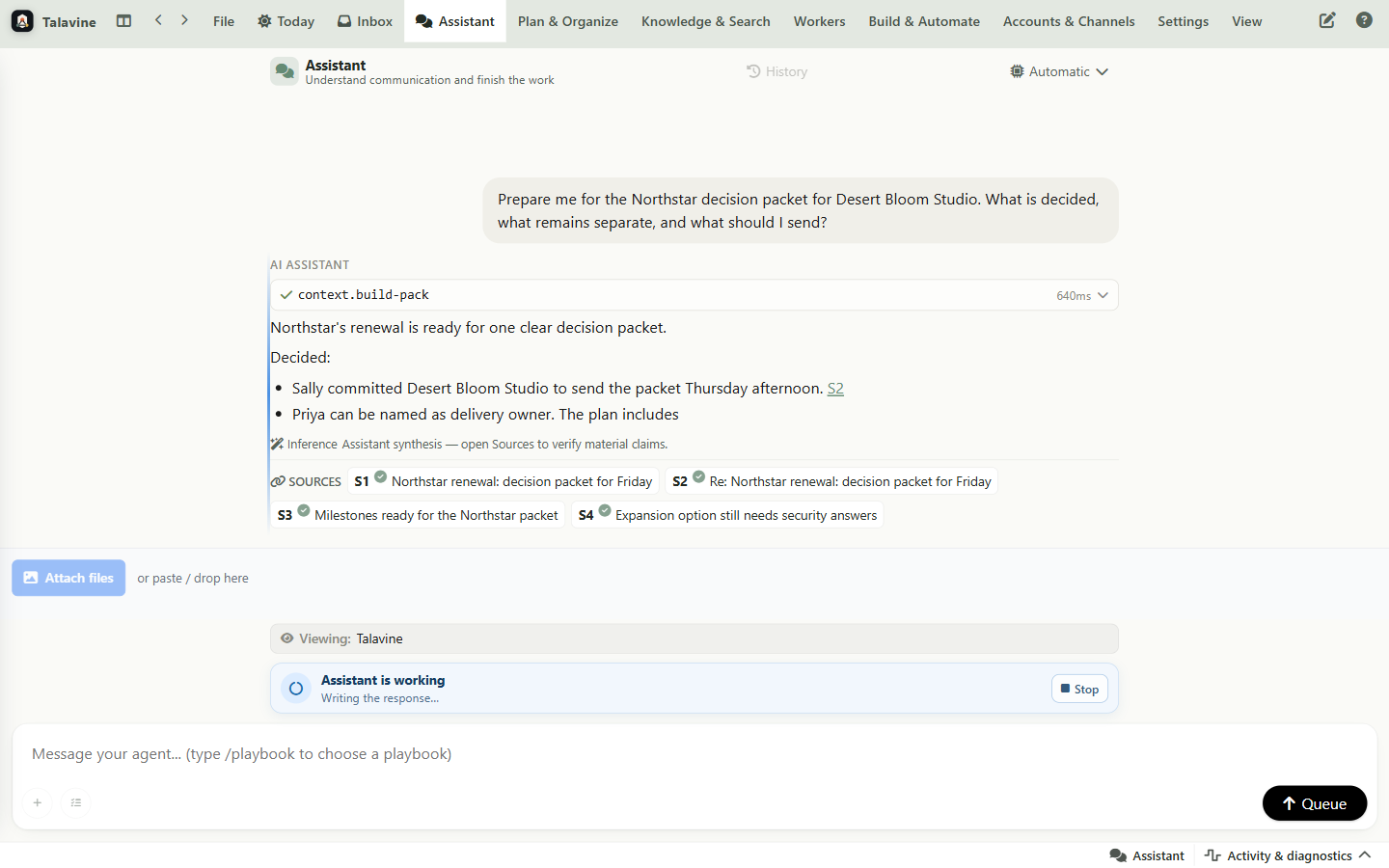
You can see the roster, status, role, and where each employee is blocked or waiting.
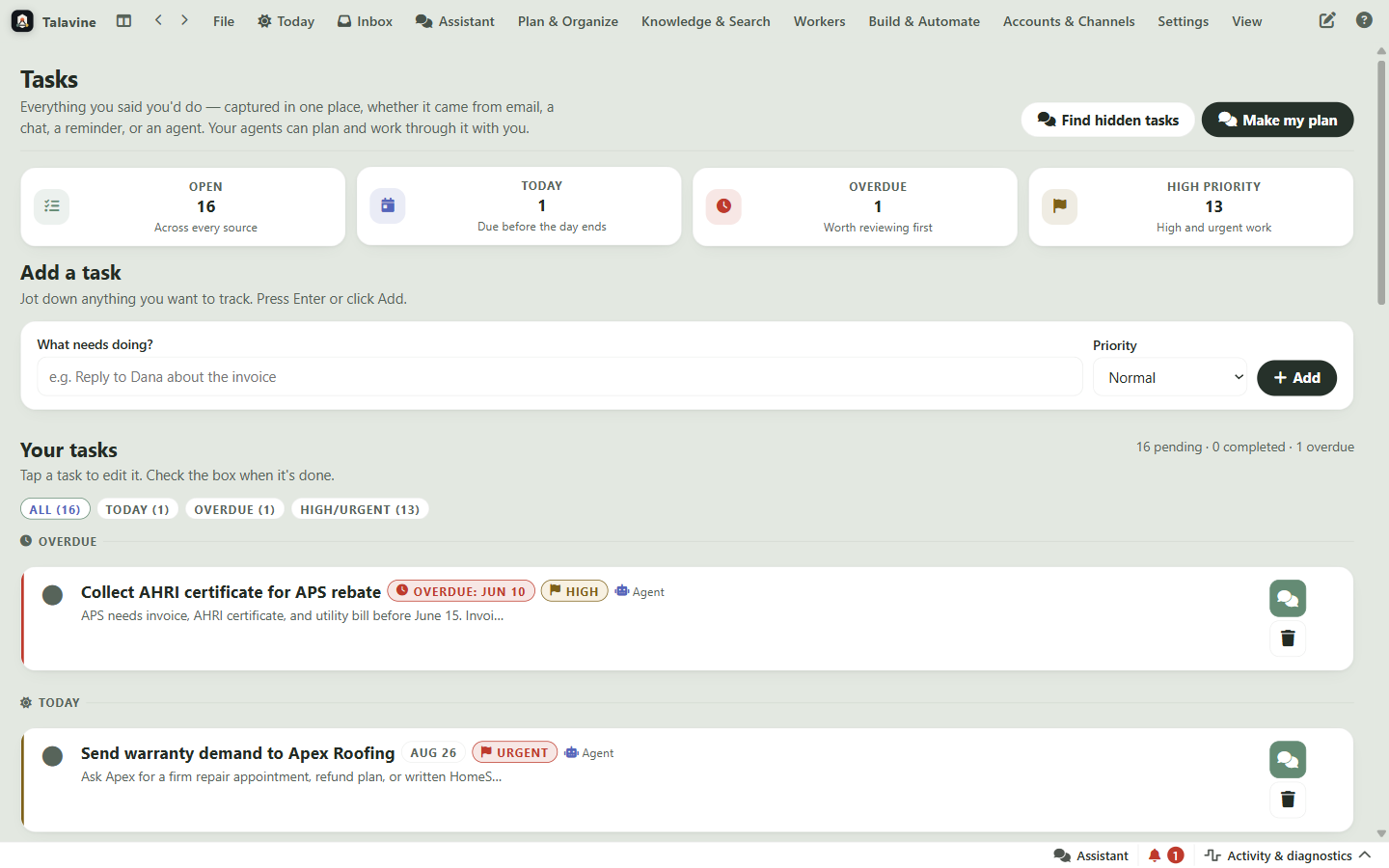
Research, follow-ups, support replies, and approvals can turn into tasks instead of disappearing back into the inbox.
Give it one inbox, one role, and clear policy. Once you trust the loop, add more sources and more responsibility. Watch one get built →