Run it alongside
Keep your current client exactly as it is. Talavine connects to the same accounts, and every action syncs both ways. Nothing to migrate, nothing to break.
 Talavine
A lot of mail is welcome, but not welcome every fifteen minutes. Talavine helps you keep the useful stuff, push aside the low-stakes stuff, and remove the repeat offenders that ordinary spam systems keep letting through. Every message you keep can also become searchable history your assistant and workers can use later.
Connect supported email accounts and messaging channels to your data hub. Read and reply in Talavine, then ask questions across the conversations, documents, and notes you have chosen to include.
Talavine syncs over IMAP, so it plays perfectly with Apple Mail, Outlook, Thunderbird, eM Client, or whatever you use today. Read it here, it's read there. File it there, it's filed here.
Keep your current client exactly as it is. Talavine connects to the same accounts, and every action syncs both ways. Nothing to migrate, nothing to break.
It's a full email client in its own right: compose, reply, rules, bulk cleanup, calendar, and tasks. And it's fast enough to become the one you reach for first.
However you read your mail, everything flowing through your accounts becomes knowledge you can ask about: quotes, promises, deadlines, decisions.
Because you teach it once and it remembers. A one-click Teach button, an AI pass for mail a rule can't read, and bulk Sweep tools work together to keep noise out of your way without making you babysit an approval queue.
See a newsletter, receipt, or sender that never needs to be front and center? Hit Teach. Your one example becomes a durable rule, so that kind of mail routes itself from then on. No filter syntax to hand-write.
Some mail no rule can capture. Is this a real request, or just noise dressed up to look urgent? The model can classify it from context, so genuine messages surface and clutter steps aside.
Already buried under years of mail? Sweep clears it in bulk: group by sender, type, or age and file thousands at once, instead of archiving one message at a time.
And no approval queue. Cleaning your inbox shouldn't create a second inbox of things to approve. The obvious work can happen quietly, and you're asked when something genuinely needs judgment. Automatic actions leave receipts too: ask "why did that email move?" and you get the real answer, not a shrug. How the decision ledger works →
For Gmail and Outlook, Talavine uses the provider's login flow instead of asking you to hand over your main password.
IMAP is the mail protocol for reading folders; SMTP is the one for sending. Because it's standard IMAP, whatever Talavine reads, files, or flags shows up in Apple Mail, Outlook, or any other client on the same account, and vice versa.
You can search for the idea you remember, not just the exact words in the message.
Agents can prepare work quickly, while policy gates keep sends, deletes, and recurring automation in your review flow.
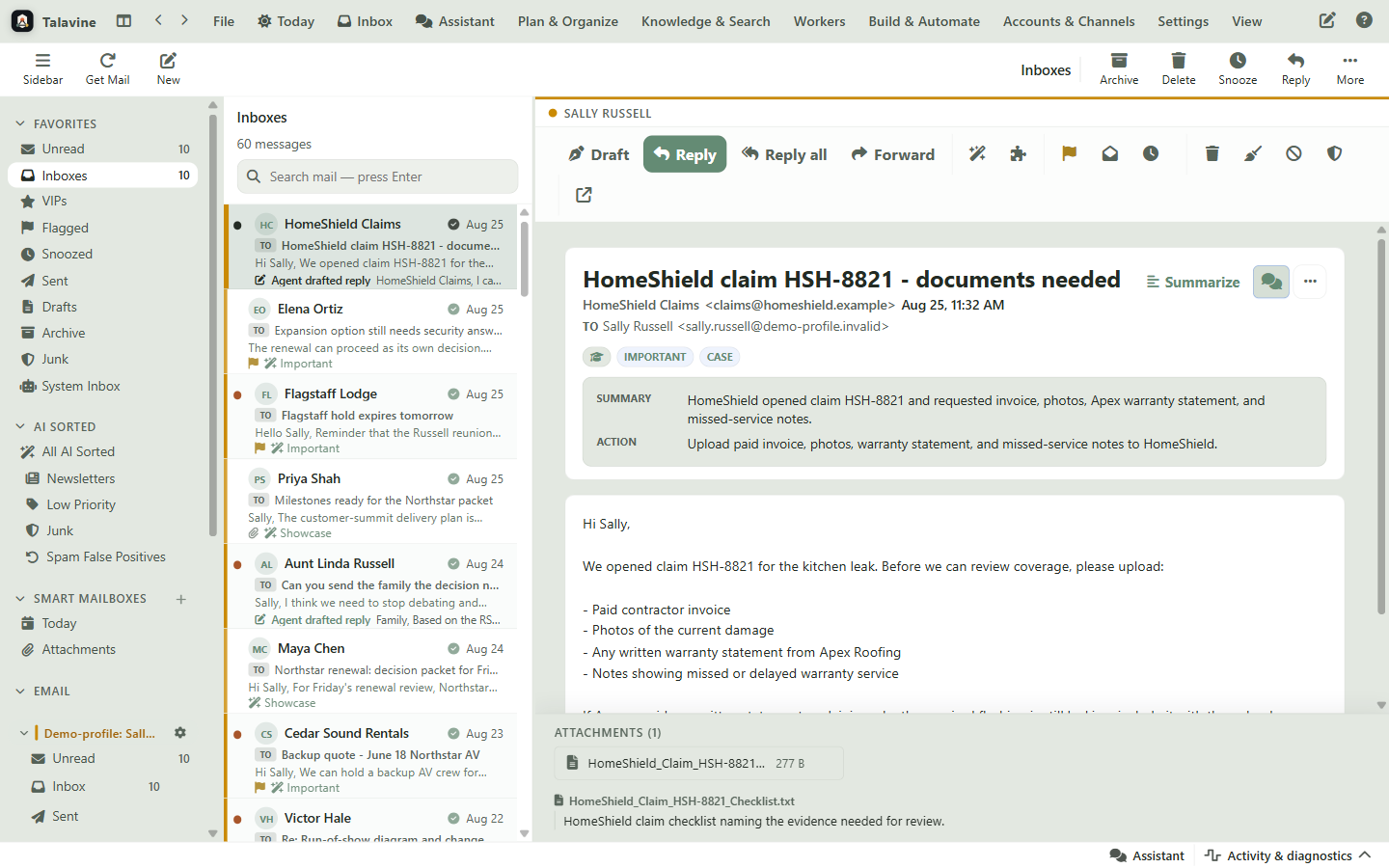
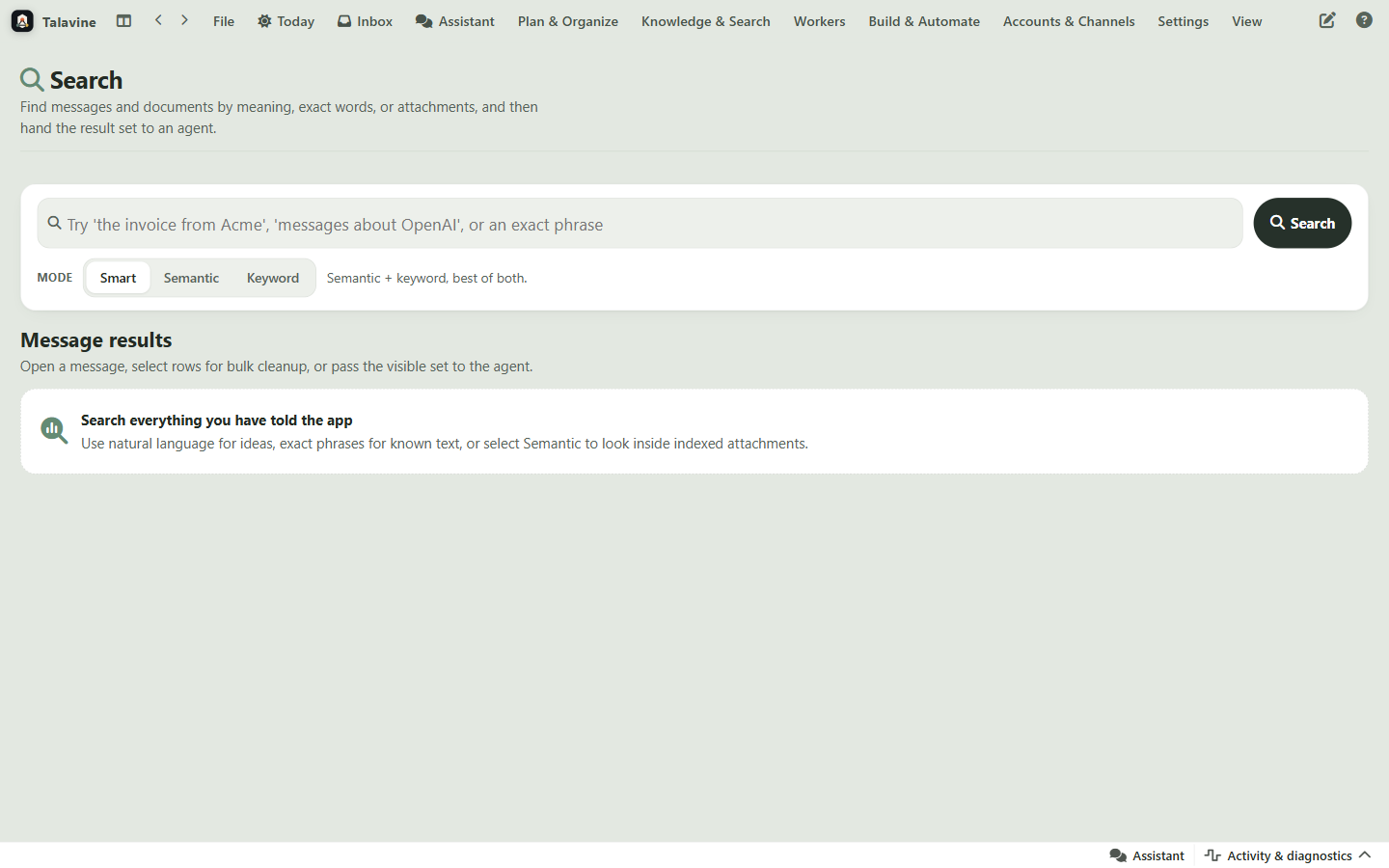
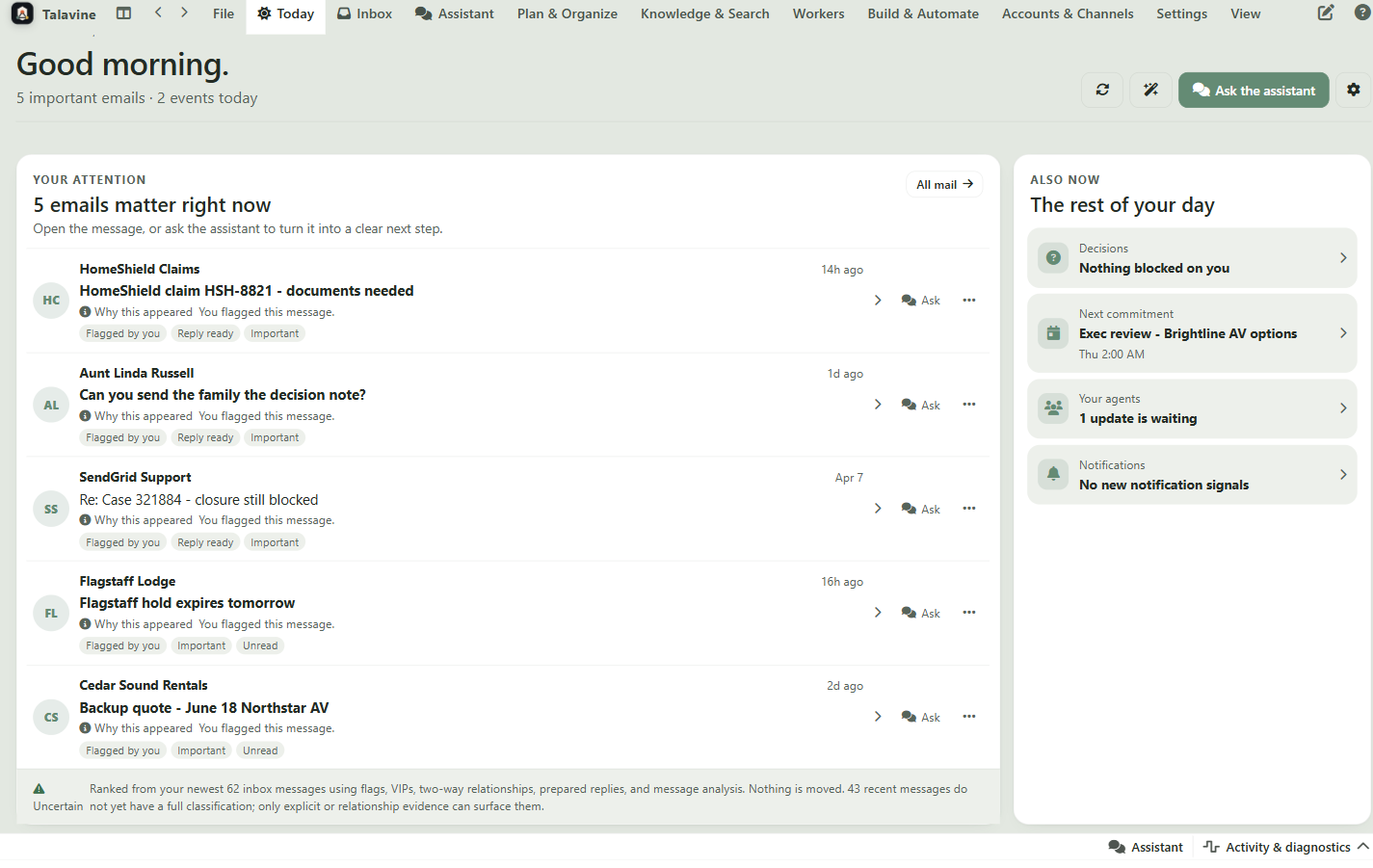
The first row helps you stop hunting. The middle turns messages into replies and next steps. The bottom explains the behind-the-scenes reliability.
The messages you actually need today stop sharing equal space with every receipt, list, alert, and vendor update.
Talavine can write the first draft, but you approve the final words.
The app points out what needs a reply, what can wait, and what's just noise.
Ask for the idea, person, or promise instead of remembering exact words.
For senders that keep sliding past spam filters, Sweep can clear the history and Teach can keep the pattern out of your way next time.
Phishing and lookalike senders get flagged with the evidence behind the call, like authentication results and domain mismatches, so you can see why and correct it.
Send later, snooze a thread, and get a nudge when nobody replies, so a sent message doesn't mean a forgotten one.
Newsletters, receipts, and VIPs can follow dependable rules every time.
Gmail, Outlook, and regular mail servers connect through the methods they expect.
Replies, forwards, and new messages can start with the thread already understood.
Contacts, companies, old promises, and related threads stay connected.
A message can turn into a task, a reminder, a calendar item, or a decision.
A support helper and an outreach helper can watch different inboxes with different limits.
If sending fails, retries and plain-English diagnostics show what happened.
Talavine can read, sort, draft, explain, and prepare. Policy gates keep the final say over sends, deletes, rules, and recurring automation with you. Curious how the sorting brain works? Learn about the message pipeline →