Bring the details
Add the messages, showing notes, and property documents you want it to use. Include anything that changed since the last conversation.
 Talavine
Give an AI helper a clear job: prepare a client briefing, draft a follow-up, or gather updates. Your data hub supplies the emails, notes, and documents it can use. You choose what it may do and review the result.
Connect an AI before starting. You can see what each helper did, pause it, and set when it needs your approval.
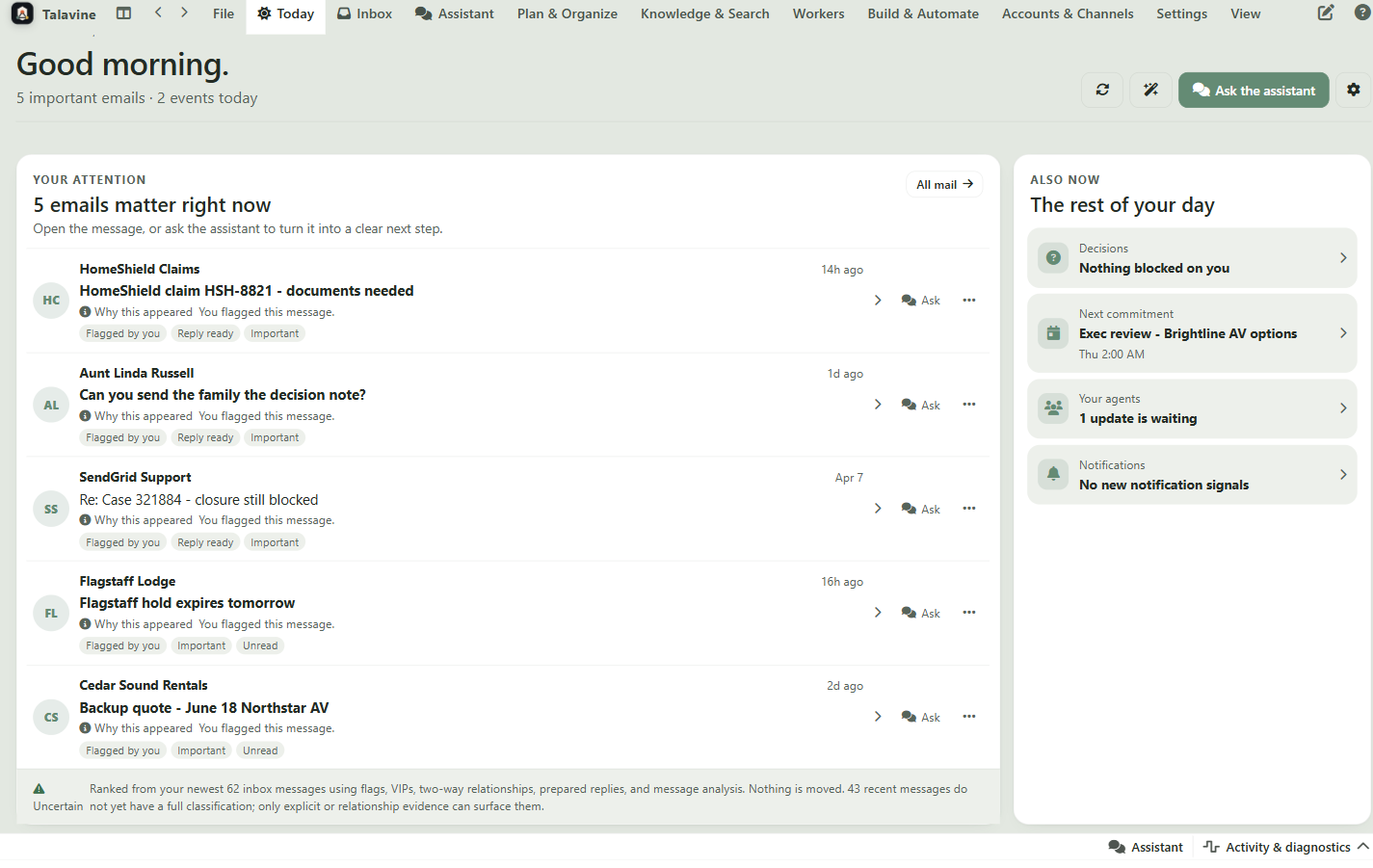
A real estate agent has the buyer's emails, notes from the showing, and documents about the property. Give an AI helper those pieces and ask it to prepare the next step.
Add the messages, showing notes, and property documents you want it to use. Include anything that changed since the last conversation.
Try: “Draft a follow-up for this buyer. Recap what they liked, list the unanswered questions, and suggest what we need to discuss next. Use my notes and emails. Don't send it.”
Review the details and tone, then decide what to send. For recurring jobs, set a schedule and review the helper's results as new information arrives.
Illustrative workflow using records you provide. Property-system connections and sending options depend on what you have set up.
The Agent Library includes a collector for supported signed-in AI accounts. Choose the accounts and schedule, review its instructions, and let it bring back what those services report remembering. The saved Notes identify where the information came from.
Account access uses your selected signed-in browser account. Login challenges may need you. A collection can be incomplete, and a service's recollection is something to check, not a confirmed fact about you.
Review collected Notes and the agent's activity. Stopping a collector keeps the information it already imported. Export-file refresh is a separate option: you supply the newer export file yourself.
Other research jobs depend on the tools and sources you connect. Assign a specific subject and tell the agent what to save and where. A connected account alone does not mean every part of its history is available.
Choose what goes into your hub →Give your helper an audience, a few facts about your product, and examples of how you sound. Ask for something you can use, not another list of marketing chores.
Share approved product information and the messages you want to get across. Keep private customer details out of public material unless you have permission to use them.
Try: “Draft three short posts and a customer email about this update. Use only the supplied facts. Flag anything that needs checking. Don't send or publish.” These are draft requests, not automatic social-network connections.
Review the wording and claims. Sending or publishing requires a configured, supported destination and the appropriate authority. A prepared post is not a published post.
A worker gets its own profile, its own email account, and a role: support, research, outreach, monitoring. It works its inbox the way a person would, and everything it does is visible on the team dashboard.
You can pause or stop a helper and review what it has done. Some jobs can continue when you close the app. Your computer must stay awake and connected.
Tell the Assistant what you want prepared and how often. Set which accounts and tools the helper may use, any spending limits, and when it must ask you first.
Paired computers can share supported work and model access. They keep their own permissions and must be awake and reachable.
Same-owner devices pair on your LAN and talk with signed, authenticated messages. State replicates with journaled sync, offline machines catch up when they return, and fresh machines bootstrap from a snapshot.
A desktop worker belongs to the device that hired it. Sharing access to a peer's model is different from moving the worker or granting it access to every device.
Peers see each other's presence, and you can hand a chat or a job to an agent on another machine. SwarmSpan extends the same fabric with clipboard, file handoff, and peer work requests.
Local models can run without provider usage fees; cloud providers may bill the API keys or subscriptions you configure. Hardware, electricity, subscription limits, and model quality still matter.
Paired machines advertise which local models they can serve. An LLM call on your PC can run on the Mac's Ollama install, and a worker can ask its boss machine to broker a cloud model without ever holding the API key.
Model Scout considers eligible routes and your settings. Routine drafting needn't use the same model as a difficult analysis. Model availability, capabilities, privacy, and spending policy still determine what can run.
A supported peer route can request model work without copying the serving machine's API key. Pairing doesn't turn personal subscriptions into a shared, unlimited team allowance.
Journaled sync helps paired devices catch up after reconnecting. It doesn't make a sleeping computer available for inference or prove a pending job has finished.
The technical LAN-compute connection lets an administrator approve an opted-in computer's Ollama models for CRM use when the endpoint is reachable. It isn't yet a general internet relay for desktop subscriptions.
Presence, heartbeats, work queues, sync state, and per-worker activity are inspectable in the app. When something fails, you get a diagnosis, not a silent gap.
We're connecting hosted CRM assignments to authorized computers through the website relay. The goal is simple: keep the job and its result in the CRM, use available computers for AI work, and make delays or additional spending clear. This connected workflow is in development.
“I started building Talavine because I found the agent gateways everyone was excited about unusable. This is the version I could trust on my own machines.”
— Scott Crossen, creator of Talavine
Your desktop profile stays local. CRM keeps tenant-scoped business records. Only the context authorized for a particular connection or job should cross that boundary.
The planned workflow can wait for an eligible computer or use an explicitly permitted fallback. An office computer would need its own connection, so your laptop isn't its only route to the CRM.
Our first target is a marketing draft that survives a disconnect and returns one accepted result with usage recorded. Automatic social publishing and uninterrupted service are not included in that promise.
Download the preview, connect supported AI, and ask for a draft or a research task. Review what comes back before expanding the role.